
Choosing the right digital magazine maker isn’t as straightforward as it seems. A quick search reveals dozens of tools promising to help you “create an online magazine,” but many of them aren’t actually built for modern publishing. Instead, they simply convert PDFs into flipbooks, leaving readers stuck with clunky, pinch-and-zoom experiences that feel outdated on mobile devices.
That distinction matters more than ever. Today’s readers expect seamless, mobile-optimized content that’s easy to navigate, visually engaging, and accessible on any device. Choosing the wrong tool can lock you into a poor reading experience (think pinch-and-zoom PDFs), which can ultimately impact engagement, retention, and subscription growth.
In this guide, we’ll break down seven of the best digital magazine makers available today. We’ll compare their strengths, limitations, and ideal use cases whether you’re a publisher, marketer, or independent creator. You’ll also find a side-by-side comparison table to help you quickly evaluate your options and choose the platform that best fits your goals.
What is a digital magazine maker?
The 7 best digital magazine makers
If you’re short on time, here’s a quick breakdown of the best tools based on common needs:
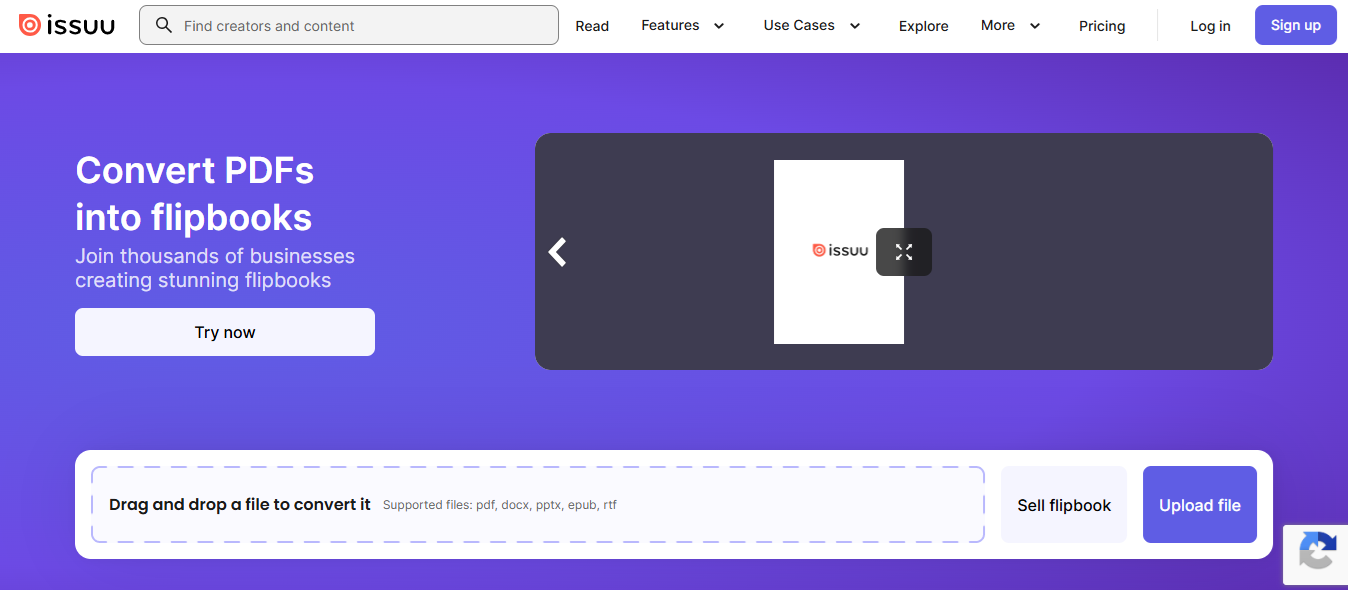
- Best for simple flipbook publishing: Issuu
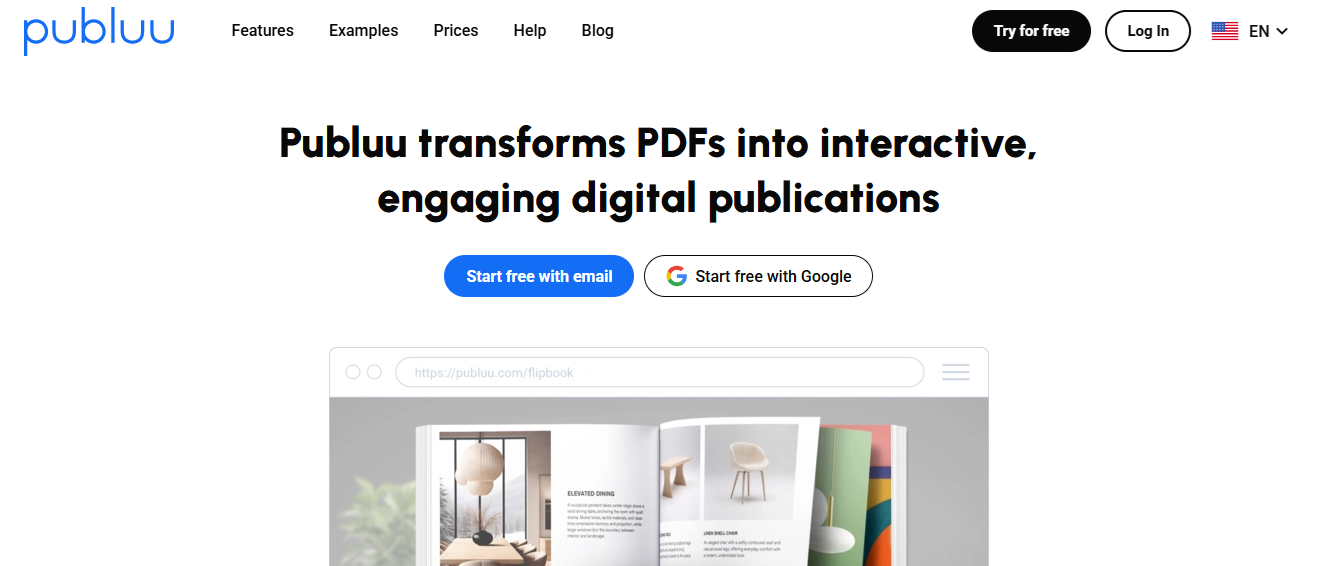
- Best for quick, affordable flipbooks: Publuu
- Best for marketing teams and catalogs: Flipsnack
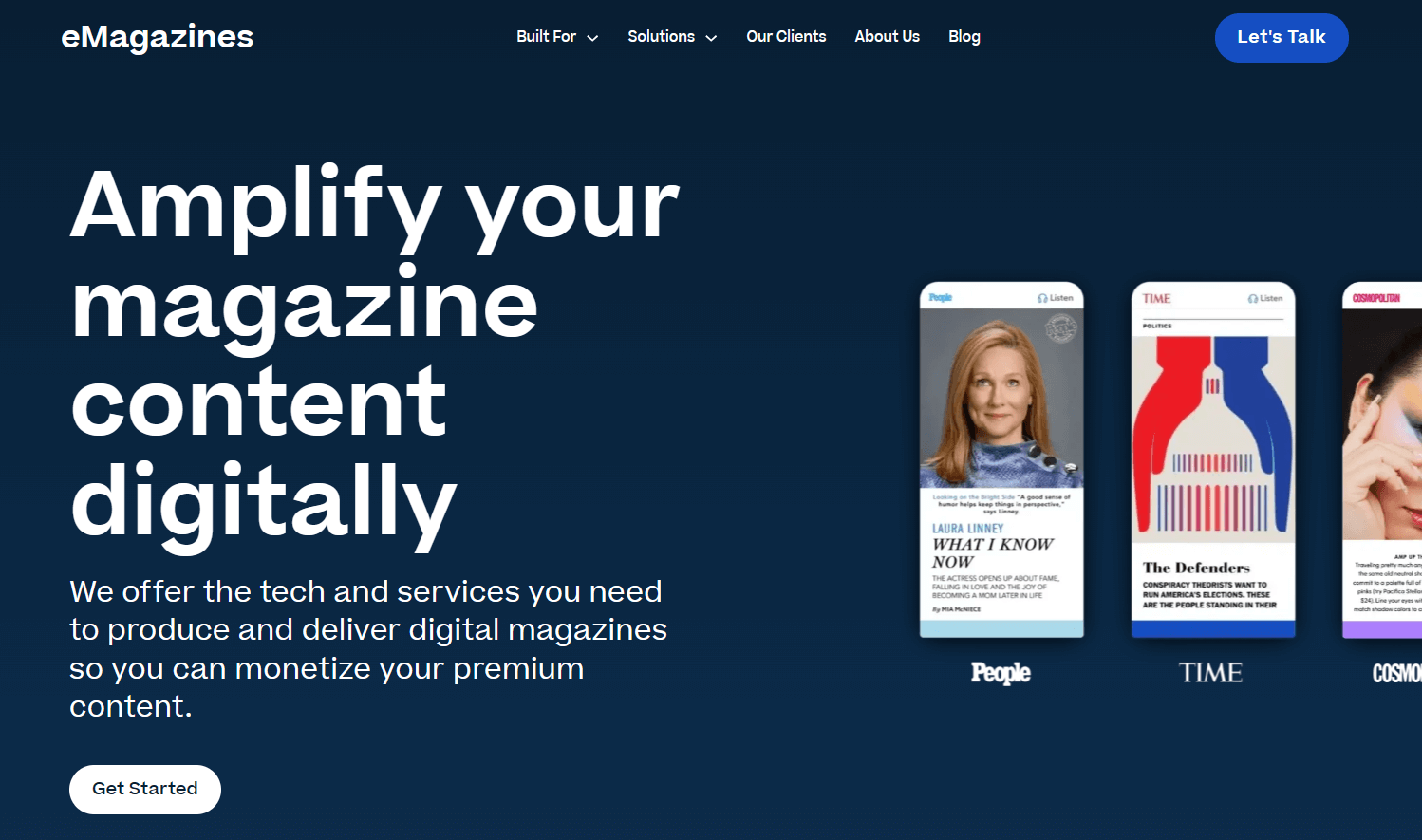
- Best for magazine publishers and subscriptions: eMagazines
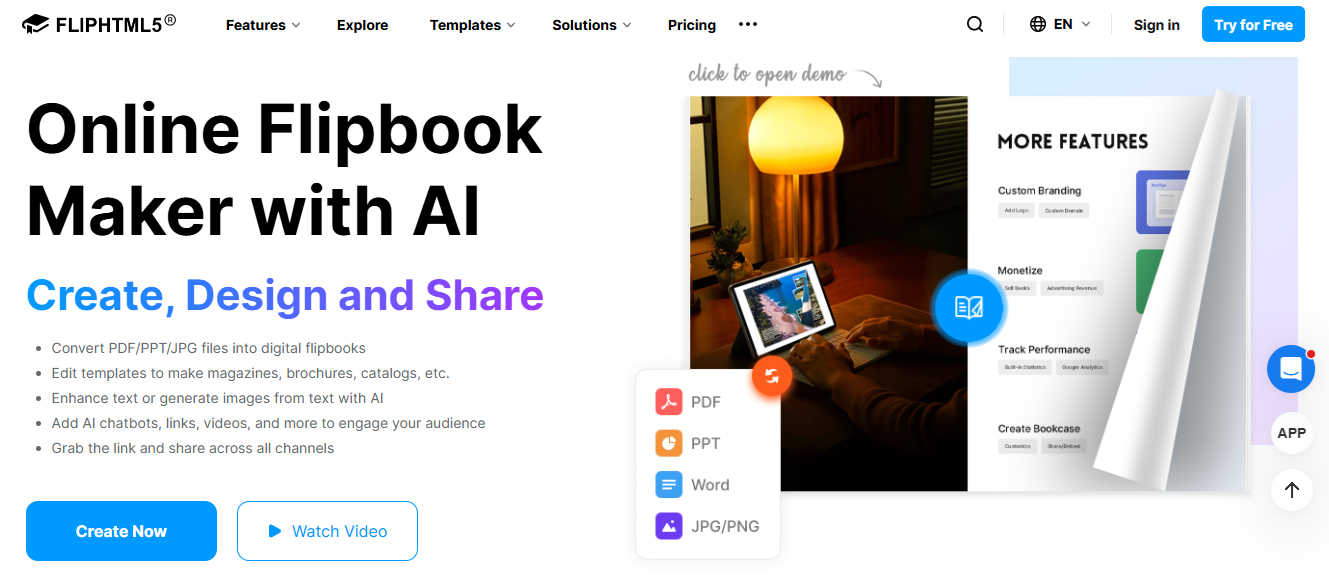
- Best for interactive flipbooks with hosting: FlipHTML5
- Best for easy magazine design: Canva
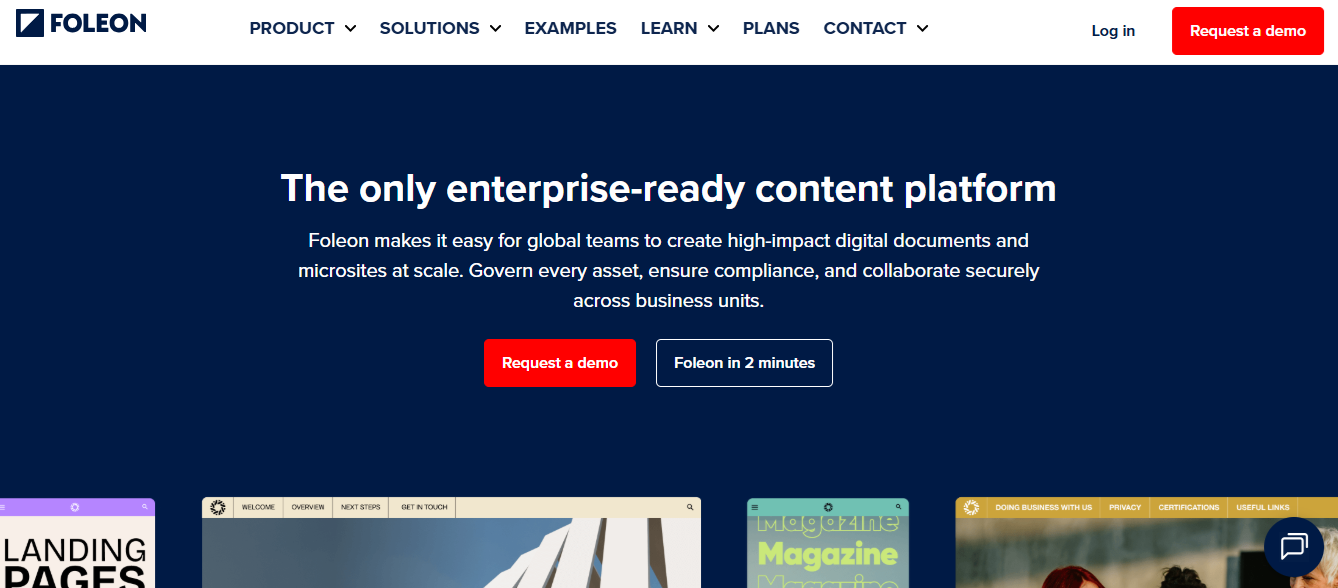
- Best for enterprise content marketing: Foleon
Each of these tools serves a different purpose—from basic PDF flipbooks to fully optimized digital publishing platforms. The right choice depends on whether your priority is design, distribution, interactivity, or long-term audience growth.
1. Issuu
2. Publuu
3. Flipsnack
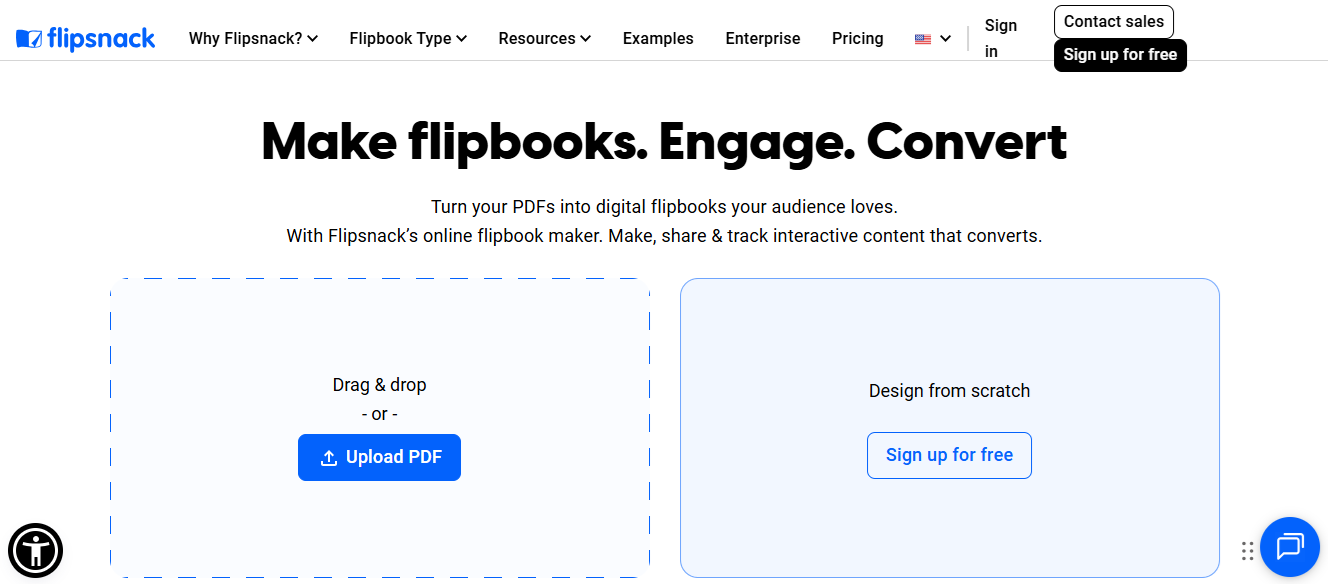
Flipsnack is a versatile flipbook platform that combines design and publishing into a single tool. Users can either upload PDFs or create publications from scratch using its built-in design studio, complete with templates, branding controls, and interactive elements. The platform also includes collaboration features, analytics, and integrations, making it a popular choice for teams producing marketing materials and digital catalogs.
Best for:
Marketing teams, sales materials, and interactive product catalogs
Strengths:
- All-in-one design and publishing platform
- Built-in templates and branding tools
- Interactive elements like links, videos, and lead forms
- Collaboration and analytics features for teams
Limitations:
- Relies on a flipbook-style reading experience
- Not designed for subscription-based magazine publishing
- Limited optimization for long-form, mobile-first reading experiences
4. eMagazines
5. FlipHTML5
6. Canva
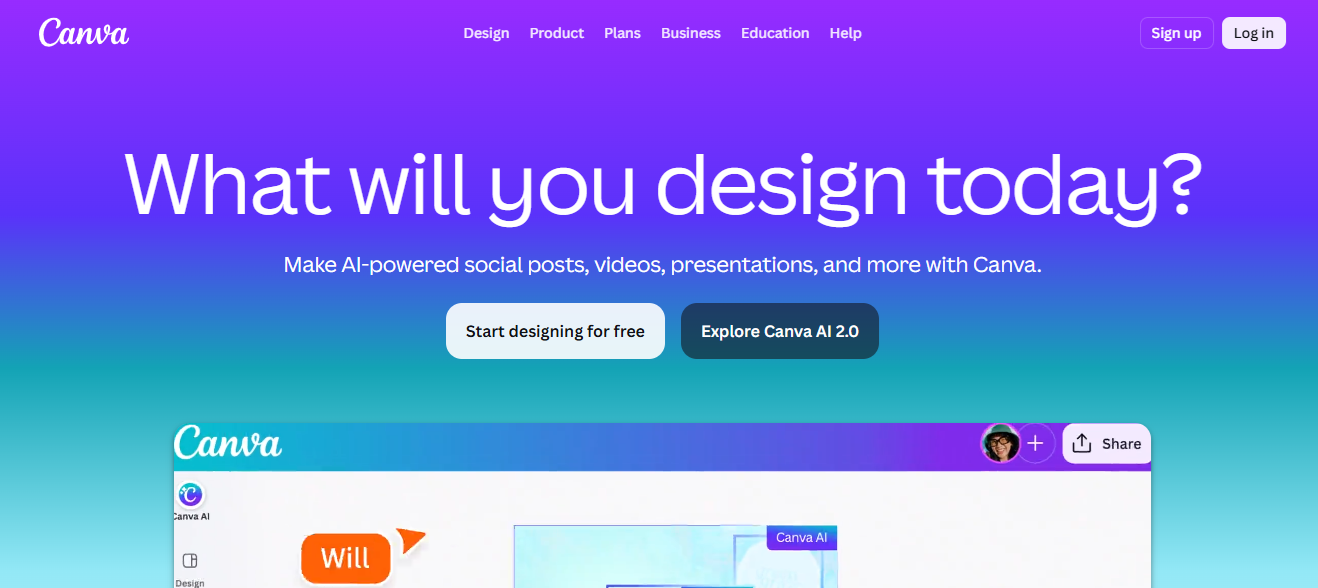
Canva is a widely used design platform that enables users to create visually polished content using drag-and-drop tools and pre-built templates. While it’s not a dedicated magazine publishing solution, it can be used to design magazine layouts, covers, and multi-page documents, which can then be exported as PDFs for distribution. Its ease of use and extensive template library make it especially appealing for non-designers.
Best for:
DIY creators, small teams, and designers looking for an easy way to create magazine-style layouts
Strengths:
- Intuitive drag-and-drop design interface
- Large library of templates, fonts, and visual assets
- Built-in collaboration and brand management tools
- Accessible for users without design experience
Limitations:
- Not a true digital publishing platform
- Requires external tools for distribution and hosting
- No built-in monetization or subscription features
7. Foleon
How to choose the right digital magazine maker
Selecting the right digital magazine maker depends largely on your goals, audience, and content strategy. Not all tools are built for the same purpose, so it’s important to align your choice with how you plan to create, distribute, and monetize your content.
For publishers
If you’re a magazine publisher, your priorities should include mobile optimization, seamless subscription delivery, and the ability to scale your digital editions over time. Readers expect a smooth, app-like experience—one that doesn’t require zooming or complex navigation. You’ll also need infrastructure for distributing issues, managing subscribers, and tracking engagement. In this case, purpose-built digital publishing platforms are the most suitable option, as they’re designed to support long-form content and recurring revenue models.
For marketers
Marketing teams typically focus on lead generation and interactive content. Features like embedded forms, multimedia elements, and integrations with CRM or analytics tools are essential. Platforms like Foleon and Flipsnack are well-suited for these use cases, as they enable teams to create visually engaging content while capturing and tracking audience interactions.
For creators and designers
If your goal is simply to design a magazine or portfolio, ease of use is key. Tools like Canva offer intuitive interfaces and ready-made templates that make it easy to produce professional-looking layouts without technical expertise. However, keep in mind that additional tools may be required for publishing and distribution.
Flipbook vs digital magazine platforms
Not all digital magazine makers deliver the same reading experience. The most important distinction comes down to how content is presented to the reader.
Flipbooks
Flipbook tools are built around static PDF files. They replicate the look of a printed magazine with page-turn animations, but this approach comes with trade-offs:
- Content remains fixed in its original layout
- Text often appears too small on mobile devices
- Readers must pinch and zoom to navigate pages
- Limited usability for long-form reading
While visually familiar, this format can create friction—especially for mobile users.
Digital magazine platforms
True digital publishing platforms take a different approach by reformatting content for the screen:
- Content is reflowed into a single-column, scrollable layout
- Fully optimized for mobile, tablet, and desktop devices
- Easy navigation without zooming or resizing
- Designed for readability and accessibility
This difference has a direct impact on performance. A smoother reading experience leads to higher engagement, longer session times, and ultimately stronger subscription retention. For publishers, that translates into a more sustainable and scalable digital product.