

Are you preparing to publish your catalog for the upcoming year? Is it finally the right moment to self-publish that book you’ve worked so hard on? Or maybe it’s time to digitize your magazine and transform it into the spectacular mobile-friendly experience you know it can be.
Whatever the reason, choosing the right platform for your digital publications can really make a difference in terms of reader engagement.
In this guide, we provide the top digital publishing platforms across a variety of content formats. We considered blogs, magazines, catalogs, ebooks, and more. Keep reading to find the right publishing platform for your digital content.
How to choose the right platform for what you publish
Most platforms on this list are great at one format and just okay at the rest. So before you compare feature lists, I’d start with these five questions:
- What are you publishing? A monthly magazine, a product catalog, a blog, and a novel all need different tools.
- Where will people read it? If most of your readers are on phones, look for content that reflows to fit the screen, not a shrunken print page.
- Who is it for? Paying subscribers need secure delivery and access control. A public brochure just needs a shareable link.
- How much help do you need? Some platforms are fully self-serve. Others handle production and delivery for you.
- How will it make money? Subscriptions, product sales, and ads each point to a different kind of platform.
Here’s a quick look at how the seven platforms compare.
| Platform | Content type | Best for | Starting price |
|---|---|---|---|
| eMagazines | Digital magazines | Magazine publishers delivering to subscribers | Custom pricing |
| FlipHTML5 | Flipbooks | Schools and small businesses | Free plan available |
| WordPress | Blogs and websites | Content-heavy websites | Free software (hosting extra) |
| DCatalog | Digital catalogs | Manufacturers and B2B sellers | $29/month |
| Issuu | Flipbooks and brochures | Small businesses and occasional publications | Free plan; paid from $19/month |
| Adobe Experience Manager | Websites, apps, and multichannel content | Large enterprises | Custom pricing |
| IngramSpark | Ebooks and print books | Self-published authors | Varies by format |
1. eMagazines
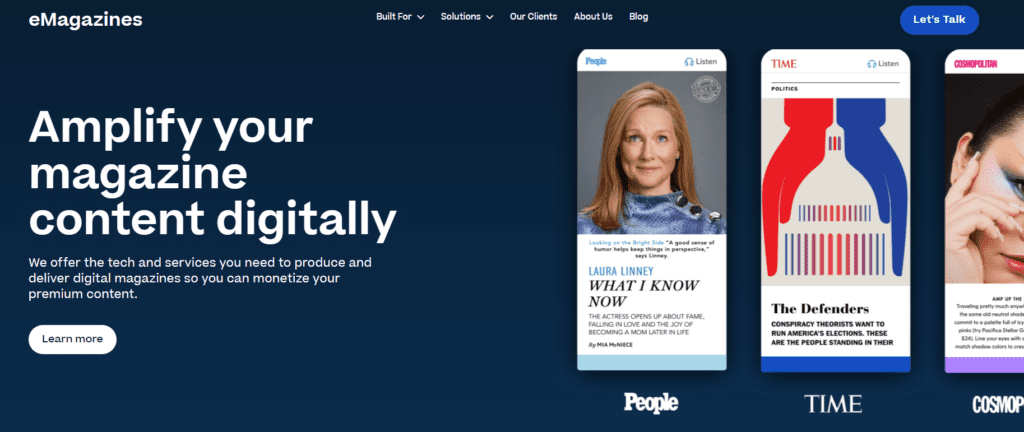
Platform type: digital magazine publisher
eMagazines is the top online publishing platform for producing and delivering stunning digital magazines. Not only can you make captivating digital editions, but you can choose how to deliver them, get help setting up subscription order pages, and offer subscriber access to back issues. This makes eMagazines an ideal choice for publishers of all sizes.
Features
- Turn-key production
- Automated high-quality audio generation
- Mobile-optimized reader
- Apple News + delivery
- Subscription order pages
- Expert assistance with magazine production and subscriber delivery
- Subscriber back issue access
- Native app building and maintenance
- PDF converter
- Partner network for new customer acquisition
- End-user customer support
- Password-free and download-free digital magazine delivery
- Analytics and reporting
Pros
Working with eMagazines gives you the software and services that power many of the world’s most popular digital magazines, including People, Cosmopolitan, TIME, Sports Illustrated, Rolling Stone, Fortune, Bazaar, Outside, and Bloomberg.
Cons
eMagazines is an ideal solution for digital magazines for mobile phones and tablets, but if you want to publish standard articles that are readily available on your website, look elsewhere.
Example publication: Better Homes & Gardens
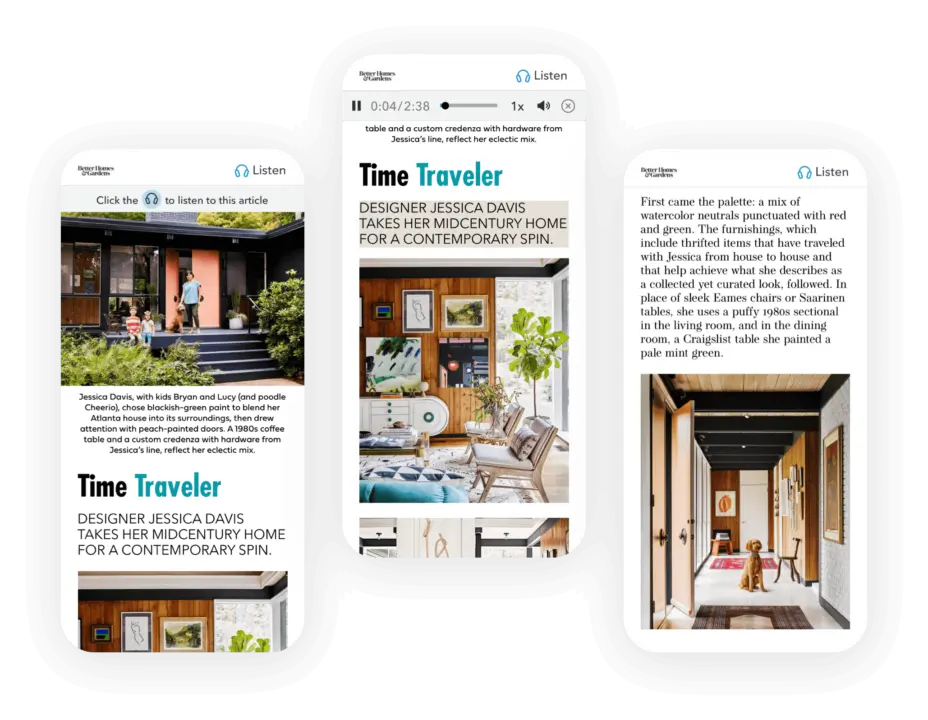
Better Homes & Gardens is a great digital magazine example. In addition to the clean mobile display of articles, they utilize our automated audio generation feature to include audio for every article. This feature expands access to the content and caters to those who prefer to listen.
2. FlipHTML5
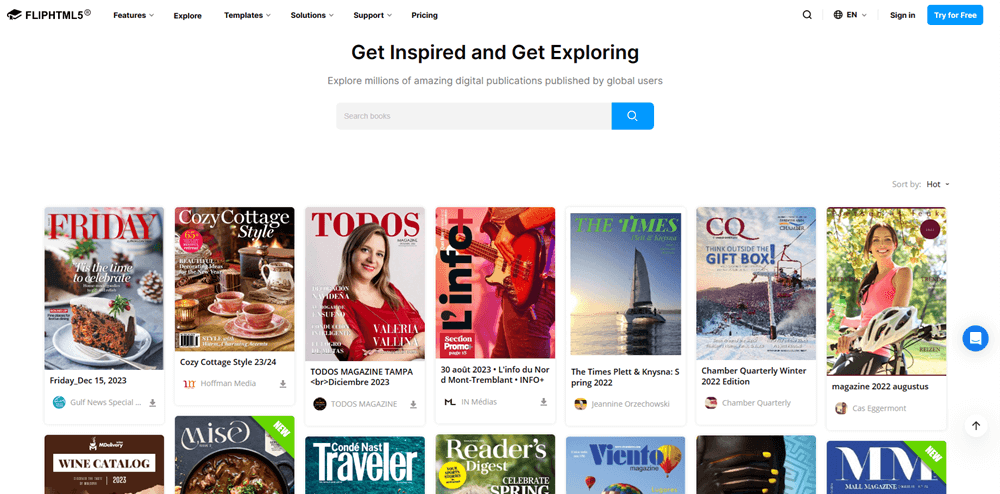
Platform type: digital flipbook publisher
FlipHTML5 is a digital publishing software for creating and distributing flipbooks. Their platform allows you to convert any PDF, PPT, or JPG into a digital flipbook. You can also start with one of their many templates and create custom flipbooks with their powerful editors. And, with their trigger actions, elements, and widgets you can create interactive publications that engage your readers.
Features
- 300+ templates
- Merge files and batch convert options
- Customization tools
- Rich media and animation integrations
- AI enhancement options
- All-channel distribution
- Content strategy
- Brand marketing
- Content monetization
Pros
FlipHTML5 is easy to use and is known for their great customer service.
Cons
Sometimes the load times lag on certain devices. And, revising content after publishing can be difficult.
Example publication: Tallahassee Community College
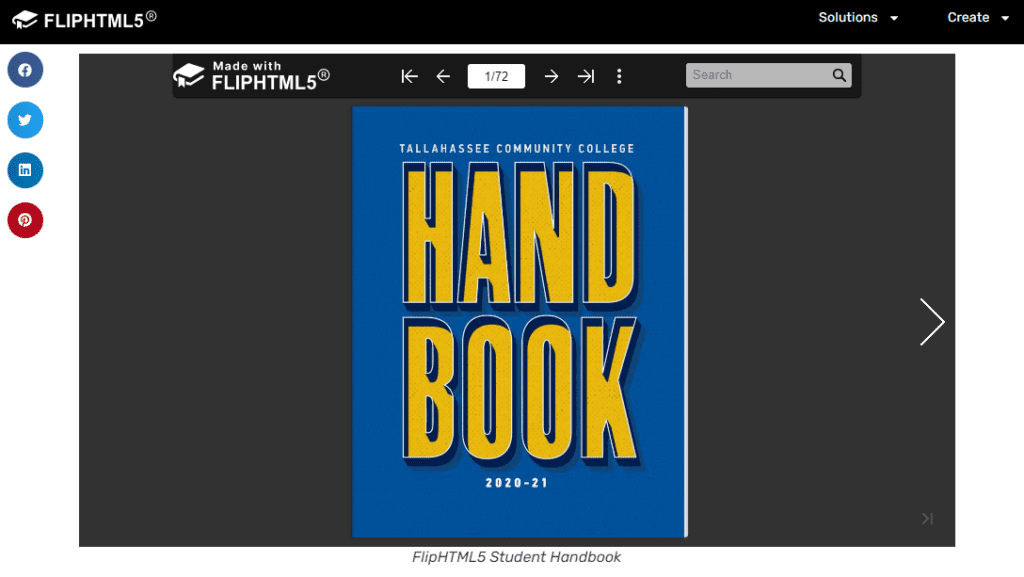
Tallahassee Community College has utilized FlipHTML5 for publishing their student handbooks as digital flipbooks. This has improved engagement as the text can be broken up with images and videos. And, the endless scrolling of a PDF is avoided. Sharing the handbook is as simple as sharing a URL.
3. WordPress
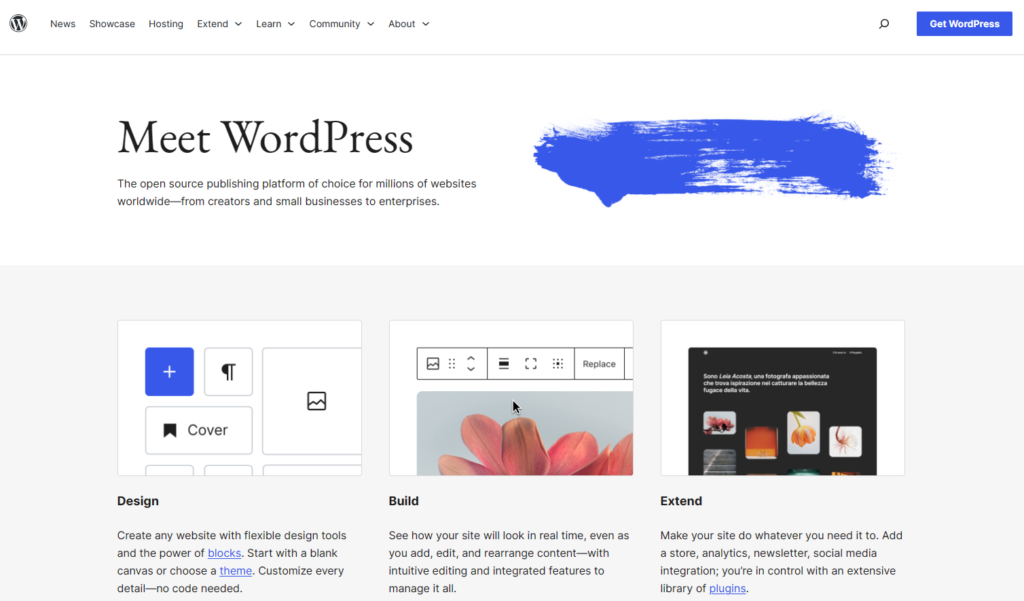
Platform type: digital blog publishing
WordPress powers nearly 40% of all websites, which makes it the most widely used digital publishing platform on the web. The content management system (CMS) offers blog publishing, SEO optimization, advanced categorization, media libraries, and user permissions and roles—which is great if you’re managing large or diverse teams.
Features
- Design with block components
- 12,000+ themes available
- Intuitive editing
- Extended functionality through 59,000+ plugins
- SEO optimization
- Advanced design & editing tools
- Marketing tools
- Monetization tools
- Statistics, insights, and analytics
Pros
The vast popularity of WordPress speaks for itself.
Cons
With so many plugins, you have to be really careful about the ones you choose to use. Some are poorly coded and others are even intentionally malicious.
Example publication: DesignFiles
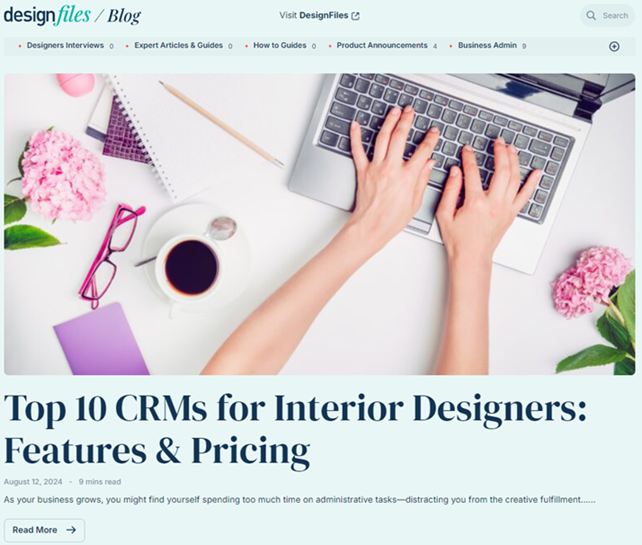
The interior design software DesignFiles utilizes WordPress to manage and publish their blogs, videos, case studies, and other content. Their utilization of the platform has created a clean and elegant display of their content.
4. DCatalog
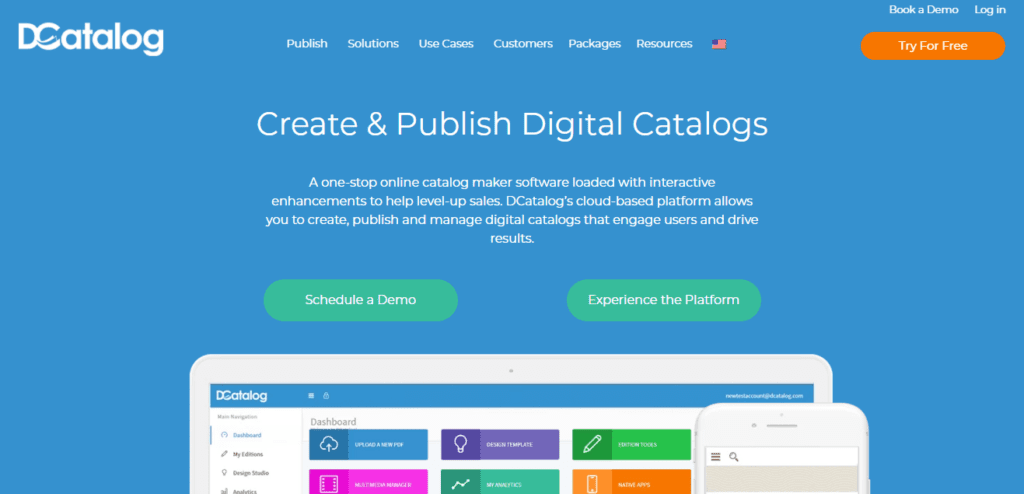
Platform type: digital catalog publisher
DCatalog is a great option If you are publishing long-form digital media such as catalogs, ebooks, and emanuals. The simple digital publishing system allows you to easily create, publish, and manage digital catalogs with interactive enhancements to help level up sales.
Features
- Shopping cart integration
- B2B wholesale with quotes requests
- Fully brandable
- Automatic linking
- Rich media and link management
- Advanced analytics and tracking
- Polygon linking
Pros
DCatalog makes creating digital catalogs easy and its ability to integrate with your shopping cart is a definite plus.
Cons
The specialty of DCatalog is catalogs. Self-serve flipbook plans start at $29 per month, but catalog automation and integrations sit on custom-priced Enterprise plans.
Example publication: Hunter Douglas North America
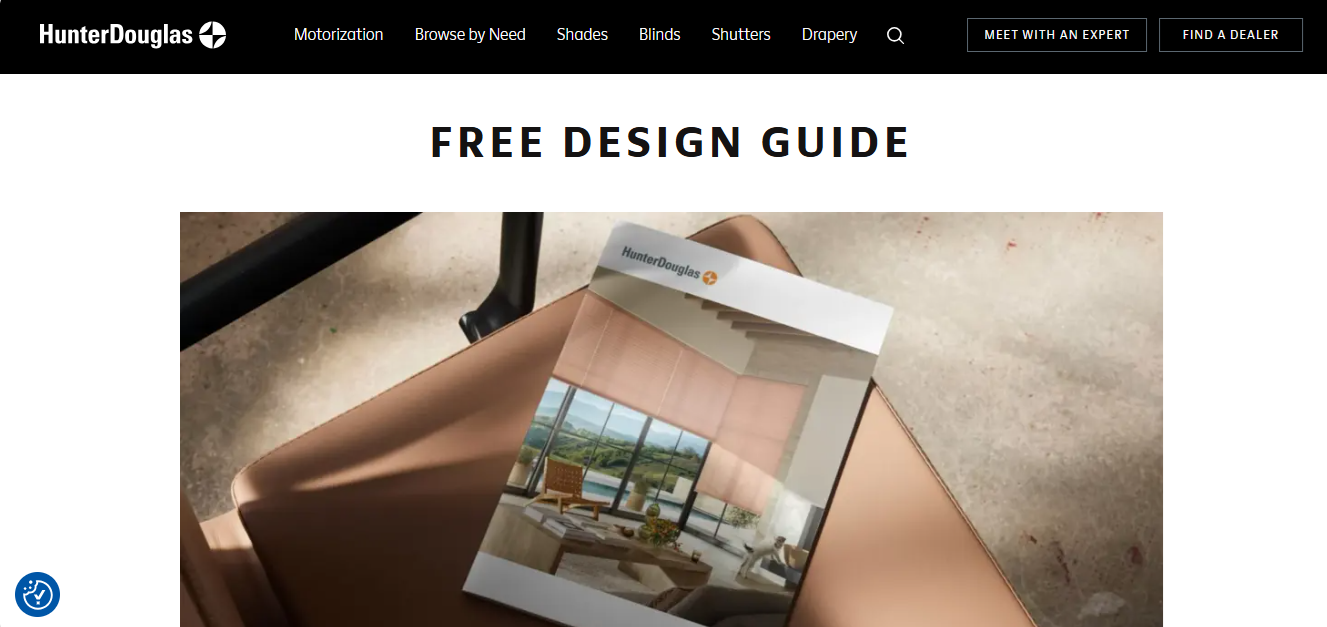
Paragraph: Hunter Douglas North America uses DCatalog to publish its dealer reference guides online and in a mobile app that works offline. That replaced a 1,400-page printed binder reps used to carry around. According to DCatalog, the switch saves the company $750,000 a year and cut 20 to 40 weeks from its publishing schedule.
5. Issuu
Platform type: digital brochure publisher
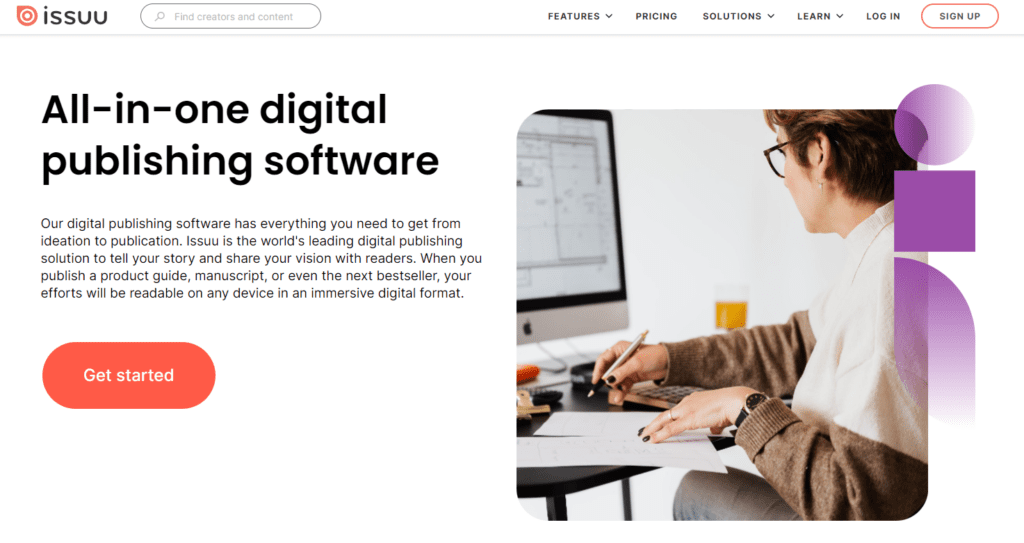
If you are a small business or an organization that publishes brochures or an infrequent magazine, then Issuu is a great digital publishing software to consider.
They have a free plan to get you started. Paid plans start at $19 per month, and the Unlimited plan, which adds branding controls, private publishing, and full analytics, costs $188 per month (Capterra).
Features
- Create digital magazines and catalogs
- Third-party system integrations
- Workflow management and team collaboration
- SEO optimization
- In-depth analytics
- Fullscreen viewing
- Sales and subscriptions management
Pros
Issuu is easy to use and super affordable. Also, embedded brochures, personalized guides and marketing catalogs can be optimized on your website to improve search engine rankings.
Cons
Obtaining phone support or uploading large files sends the price tag up significantly. If you are publishing regularly, you’ll want to consider a fully featured platform designed for major publications (and the customer support that comes with it).
Example publication: TB Realty Group
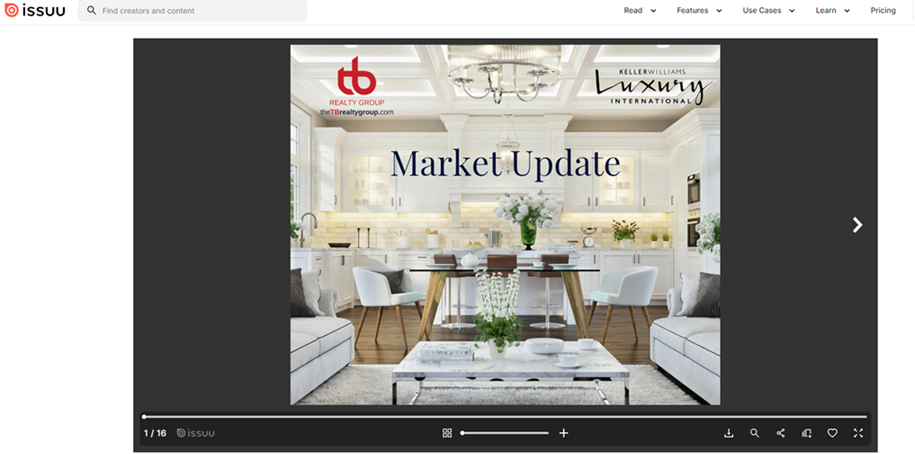
The TB realty group utilizes Issuu to create their market updates and property brochures. In addition to reducing costs associated with printed content, they can easily update their listings and track consumer engagement and audience reach.
6. Adobe Experience Manager
Platform type: multichannel digital publishing
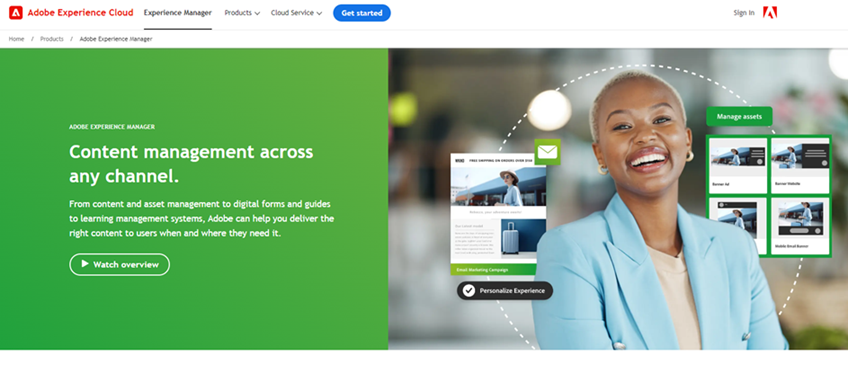
Adobe Experience Manager (AEM) combines digital asset management with CMS to create highly effective digital publishing. With AEM you can build and publish branded apps, websites, and other forms of interactive digital content.
Features
- Site performance
- Content creation
- Testing and optimization
- Rapid development
- Omnichannel experiences
- Headless CMS
- Scalable asset management
- Intelligent automation
- Integrated ecosystem
- Dynamic media delivery
- Digital enrollment and forms
Pros
AEM is known for its user-friendly interface and easy publishing and scheduling. Another plus is the scalability of the software with other Adobe products.
Cons
The biggest drawback of AEM is its complexity and high learning curve. Getting the most out of the platform and understanding its more intricate features takes time and a lot of effort.
Example publication: Dicks Sporting Goods
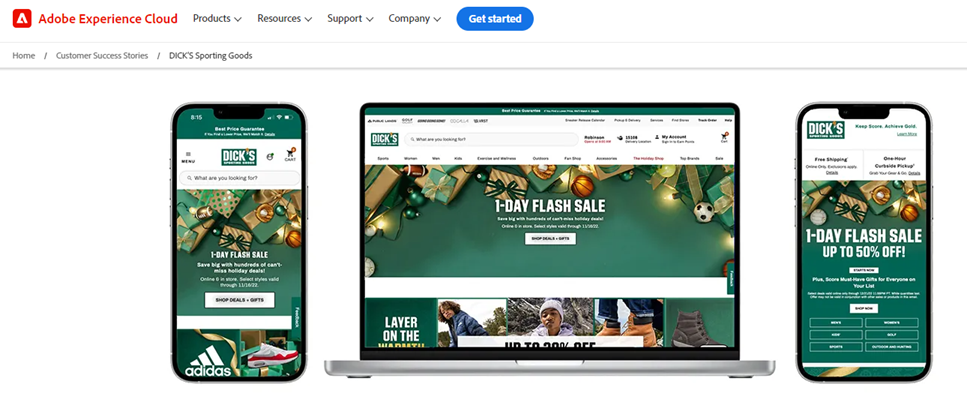
Dick’s Sporting Goods has taken advantage of the scalability, performance and security features of AEM for both content and digital asset management. They utilize content fragments and experience fragments to deliver both consistent and personalized content at scale. This has created a highly dynamic publishing system that individually connects with users while staying on brand.
7. IngramSpark

Platform type: digital self-published book publishing
IngramSpark is the best platform for creating digital (and printed) copies of your self-published books. In addition to ebook publishing, they offer free resources to help you succeed in the self-publishing sphere.
Features
- Availability to Amazon, Apple, Kobo, and Barnes & Noble
- Guaranteed e-reader compatibility at all retailers
- Online sales reporting
- Optimization for legibility, download speeds, and consistency
- Free publisher education
Pros
IngramSpark makes self-publishing ebooks simple and affordable. Plus their free educational support is a great help for all those do-it-yourselfers.
Cons
Self-publishing does require a bit of work outside the writing process. So, be prepared to follow the creation specs carefully.
Example publication: Theo of Golden by Allen Levi

Allen Levi wrote his first novel, Theo of Golden, with no big publishing plans. He self-published it through IngramSpark in 2023, mainly for readers in Georgia and across the Southeast. Word of mouth did the rest. According to IngramSpark, the book sold more than 170,000 self-published copies before a major publisher acquired it in 2025, and it went on to hit the New York Times bestseller list.
Flipbook vs. reflowed digital edition: which do your readers need?
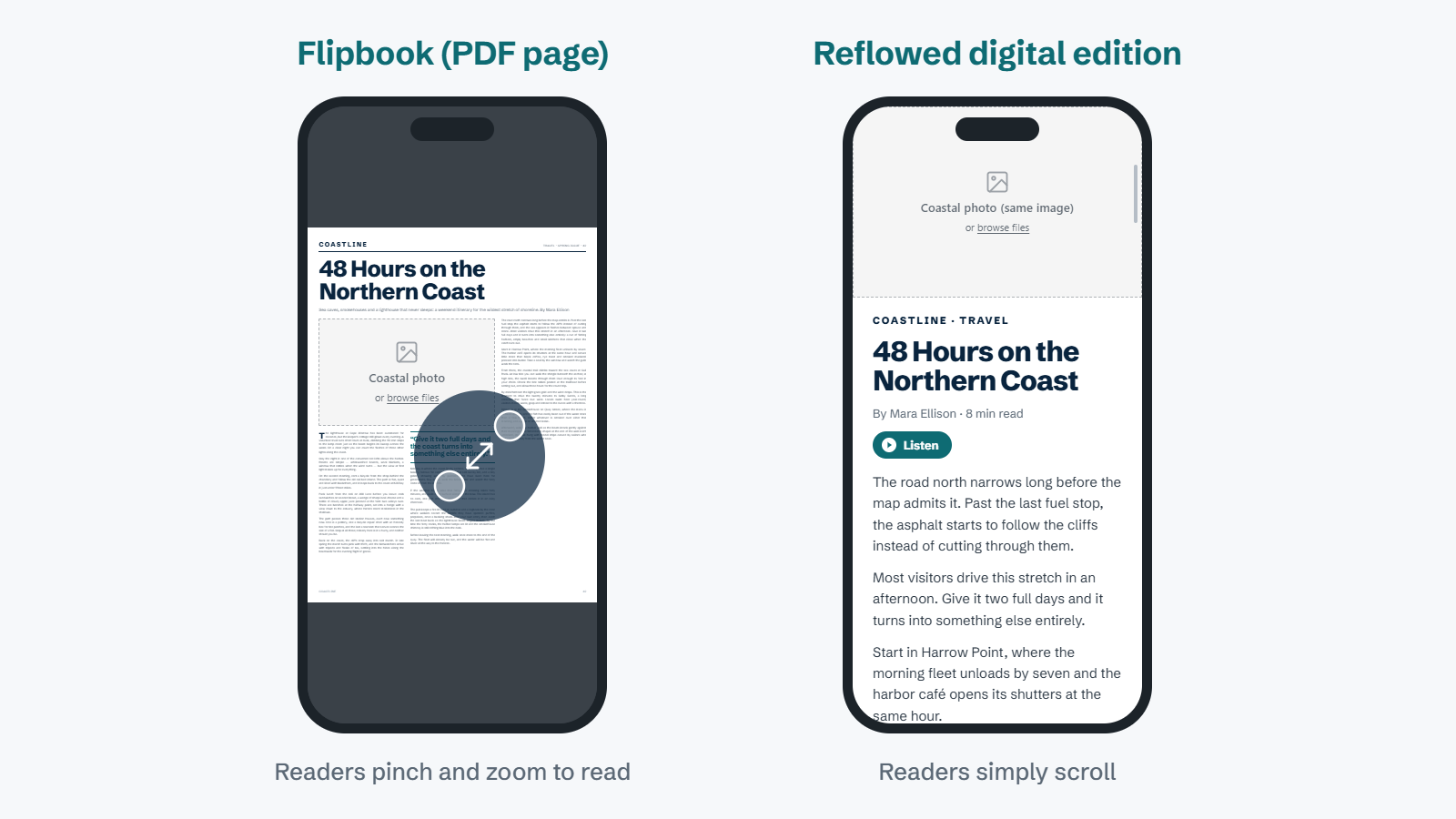
Several platforms on this list create flipbooks. A flipbook takes your PDF and shows each page exactly as it was designed for print, with a page-turn effect on top.
That looks great on a desktop monitor. On a phone, it’s a different story. A letter-size magazine page shrinks to fit a screen a fraction of its size. Readers have to pinch, zoom, and drag around the page just to get through one column of text. Most give up before the end of the article.
A reflowed digital edition solves this. The platform pulls the text and images out of your PDF and rebuilds each article as a single column. Fonts resize to the screen, so readers simply scroll to read and swipe to move to the next story. Your fonts, colors, and branding stay the same.
| Format | Works best for | Watch out for |
|---|---|---|
| Flipbook | Catalogs, brochures, lookbooks, and anything people mostly browse on a desktop | Small, hard-to-read text on phones |
| Reflowed edition | Magazines, newsletters, and long-form articles people read on their phones | Needs a platform built for reflow, not a basic PDF viewer |
Here’s a simple rule of thumb. If people mostly look at your pages, a flipbook is fine. If they mostly read them, especially on a phone, go with a reflowed edition.
Frequently asked questions
What is a digital publishing platform?
A digital publishing platform is software that turns your content into a format people can read online. Depending on the platform, that might be a digital magazine, a flipbook, a blog, an online catalog, or an ebook. Most also handle hosting, sharing, and basic analytics.
What is the best digital publishing platform for magazines?
For magazine publishers, look for a platform that reflows your print pages into a mobile-friendly reading experience and handles delivery to subscribers. eMagazines does both, and it powers digital editions for brands like People, TIME, and Rolling Stone.
Is there a free digital publishing platform?
Yes. WordPress is free, open-source software, though you’ll pay for hosting. Issuu and FlipHTML5 both offer free plans, but they come with limits on uploads and features, and free Issuu flipbooks carry Issuu branding.
Can I turn a PDF into a digital publication?
Yes. Most platforms on this list accept PDF uploads. Flipbook tools display the PDF pages as they are, while platforms like eMagazines reflow the content so it’s easy to read on a phone. Here’s our step-by-step guide to converting a PDF into a digital magazine.
Ready to publish and distribute the most stunning digital edition of your magazine? Learn more about eMagazines.