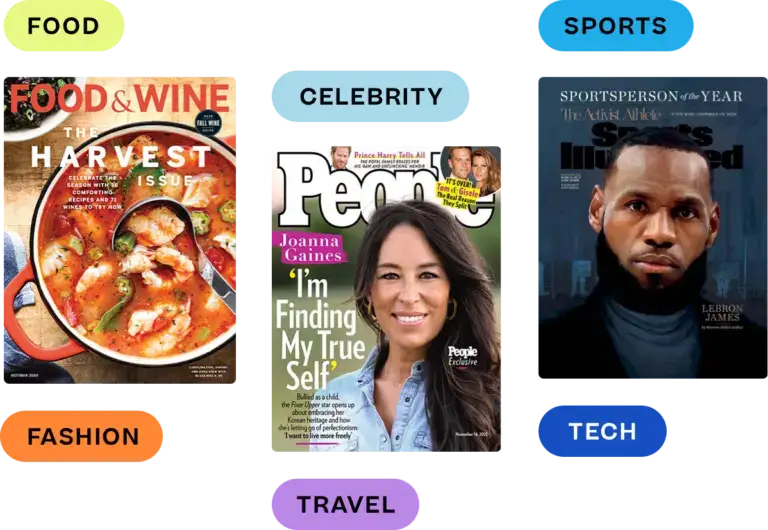

Looking for a magazine viewer? Whether you’re a publisher or a reader, we’ve rounded up the best apps you should know.
Reading has already moved to screens. 88% of U.S. adults now get news from a smartphone, computer, or tablet at least sometimes. Only 6% often turn to printed newspapers or magazines.
And the phone is the screen that matters most. 91% of U.S. adults own a smartphone, and 16% rely on it as their only way online at home.
As a publisher, your priority is delivering an unmissable reader experience: no pinching, no zooming, and total brand consistency.
As a reader, you’re after maximum content value. Top apps now bundle thousands of titles into one monthly fee.
Keep reading for our expert picks of the best magazine viewers across tablets, phones, and desktops.
What’s in this guide:
- What is a magazine viewer?
- What to look for in a magazine viewer
- What makes a magazine easy to read on a phone
- How we picked these magazine viewers
- Top 5 magazine viewers for publishers
- Top 5 magazine viewers for readers
What is a magazine viewer?
A magazine viewer is a digital application that delivers a high-quality, optimized reading experience for a magazine. As you likely know, most print magazines are formatted to be read in the standard letter size, which is 8.5 by 11 inches. That large surface allows for a variety of magazine layout options, with columns, callouts, pull quotes, and more. But when read on a phone or small tablet, these creative layouts can be challenging to read. Even when reading on a laptop or desktop computer with a large screen size, print layouts often don’t translate well and cause readers to have to hunt, squint, pinch, zoom, etc.
Magazine viewers solve these problems by converting print magazines into optimized digital editions. If you’re starting with a print-ready file, here’s how to convert a PDF to a digital magazine, step by step.
Magazine reader apps might offer one magazine subscription only (such as People’s app or Cosmopolitan’s app) or they might aggregate hundreds or even thousands of magazine digital editions into a single monthly subscription service.
Magazine viewer example
So what does magazine content actually look like inside a digital viewer? Here’s an example from People magazine’s July 11, 2022 edition. The content from the page is reflowed so that each section appears in a vertical orientation. Nothing is aligned side by side, which would require readers to pinch and zoom.
The only motions required are to scroll up and down (to read an article) or to swipe to turn the page to the next article or section. This example was created with eMagazines.

What to look for in a magazine viewer
To help you choose the right platform, here’s a list of the top features you should look for.
Top features for publishers
Publishers should look for a magazine viewer that…
- Puts the reader experience first. The platform you choose should offer the best possible reading experience on all devices. Ask the sales team for examples so you can see the digital editions for yourself.
- Offers excellent customer support and/or done-for-you services. If the platform is self-service, they should offer hands-on customer support to help you convert your magazine into an interactive online version. Because this is specialized, technical work, many publishers opt for custom services instead. So if you want someone to manage the process end-to-end, make sure that option is available.
- Includes delivery and distribution. Not only do you need to format your content for the magazine viewer, but you also need to deliver it to your customers. The platform should offer features and assistance including email delivery, native app maintenance, Apple News+ delivery, etc.
- Helps increase your subscriber base. The platform and team you choose should also offer services to help you increase revenue, such as A/B optimized subscription order pages and sales of your back issue archive.
Top features for readers
Meanwhile, readers should prioritize these elements:
- Offers the magazine content you’re looking for. The most important thing is that the app offers the content you want. You can either sign up for your fave magazine’s app or check that your fave magazine is included in a subscription with hundreds of other titles. (More on this below.)
- Fits your budget. The magazine viewer should fit within your budget for monthly entertainment subscriptions. Most options cost between $5 and $13 per month, and several offer free trials.
- Easy to read on all devices. The magazine viewer should read smoothly on your mobile phone, tablet, and computer, so check for the quality and reading experience before you commit.
What makes a magazine easy to read on a phone
A print page is roughly 8.5 by 11 inches. A phone screen is a fraction of that. The magazines that read well on a phone are rebuilt for the small screen. Here are the four things that make the biggest difference.
Single-column reflow
Multi-column print layouts force readers to pinch, zoom, and pan. A good viewer reflows each article into one column that fits the screen. Headlines, photos, captions, and pull quotes stack in reading order, so readers just scroll.
Readable font sizes
Body text should be comfortable to read without zooming. It should also respect the reader’s own text-size settings. Reflowed text can grow larger without breaking the layout, which a fixed PDF page can’t do.
Swipe navigation
Readers scroll down to read an article and swipe sideways to move to the next one. A clickable table of contents and linked cover stories let them jump straight to what they want.
Article audio
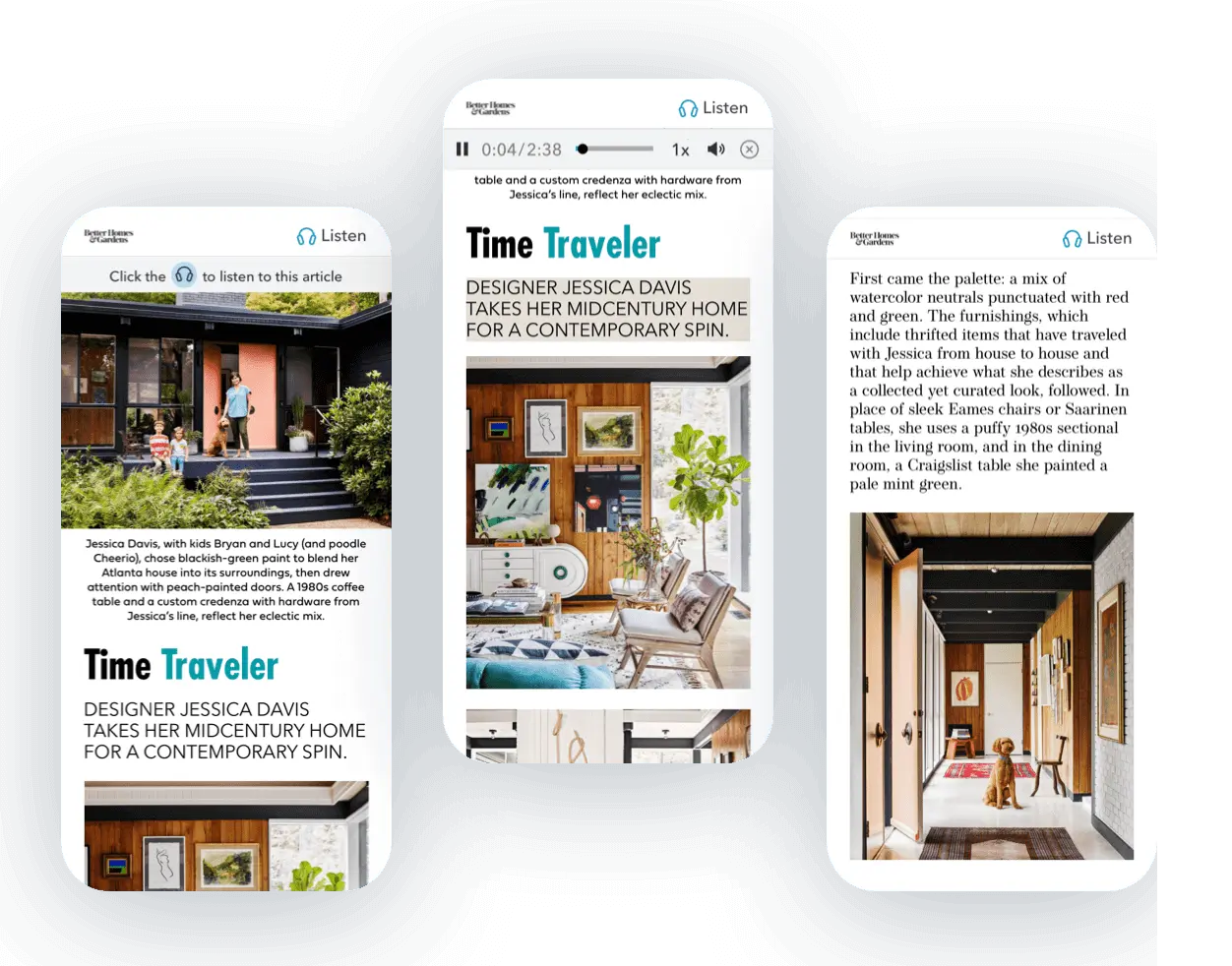
Some readers would rather listen. An audio player at the top of each article lets them keep reading on a commute, at the gym, or while cooking. With eMagazines, article audio can be added to every article automatically. Here’s an example of how the audio gets added to the top, where readers can easily click to listen.
How we picked these magazine viewers
eMagazines is our own platform, so we’ve listed it first in the publisher section. For every other tool, we used the same standards we apply when publishers ask us for advice.
“The first thing I do with any viewer is open it on my phone. If I have to pinch and zoom to read a paragraph, it doesn’t make the list.” – Andrew Degenholtz, Founder, eMagazines
Here’s what we looked for:
- A good reading experience on a phone. Content should reflow into a single column, not sit inside a shrunken PDF.
- Content you actually want. For reader apps, we checked catalog size and whether popular U.S. titles are included.
- Clear, current pricing. We checked every reader-app price on the app’s own pricing page or app store listing in October 2026.
- Delivery and distribution. For publisher tools, we looked at email delivery, native apps, and Apple News+ support.
- Real support. Publishers need hands-on help converting and delivering issues, not just software.
“When I talk with publishers, their biggest question is whether subscribers will actually open each issue. So I look for the shortest path from the delivery email to the first article. Fewer logins and downloads mean more readers.” (Blake Pollard, Chief Revenue Officer, eMagazines)
Top 5 magazine viewers for publishers
Try these platforms for offering digital magazine content in an optimized magazine viewer.
1. eMagazines
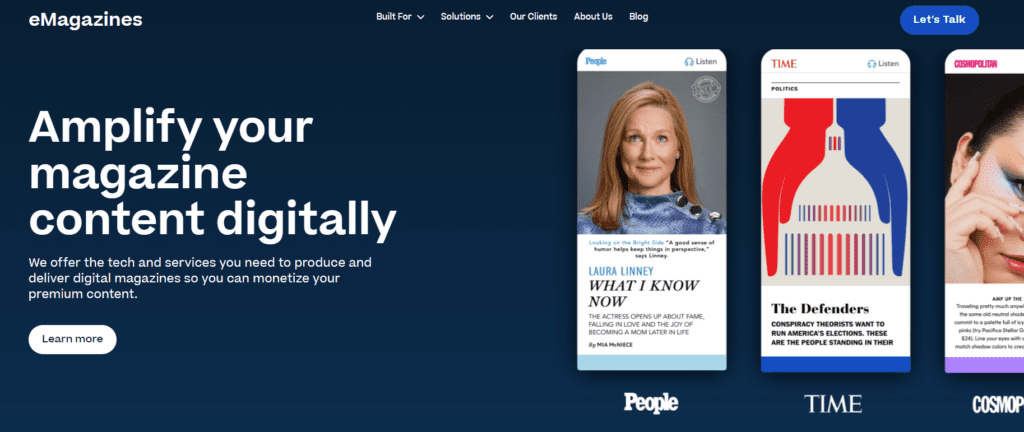
eMagazines is a magazine software platform that also offers fully managed services for producing and delivering digital editions. We can reflow PDF, HTML, and other file formats into digital magazines. We put the reader experience first and help publishers create digital editions that are beautiful, easy to read, and on brand. And with our Google Analytics integration, you’ll be able to analyze the success of your content. eMagazines customers enjoy an average reader session time of 8 minutes (much higher than the industry average because the reading experience is so enjoyable).
2. Foleon
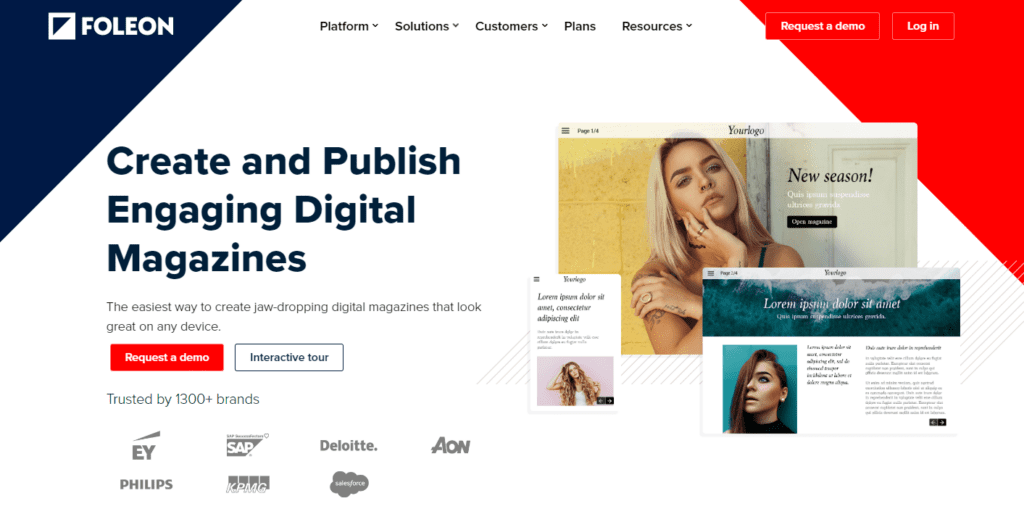
Foleon is a content creation platform that can be used to create digital magazines that can be easily viewed on any device. The platform is designed for corporations launching internal and external publications. Top features support sales enablement, account-based marketing, and content marketing. However, the platform can also be used by the media and entertainment industry.
3. Issuu
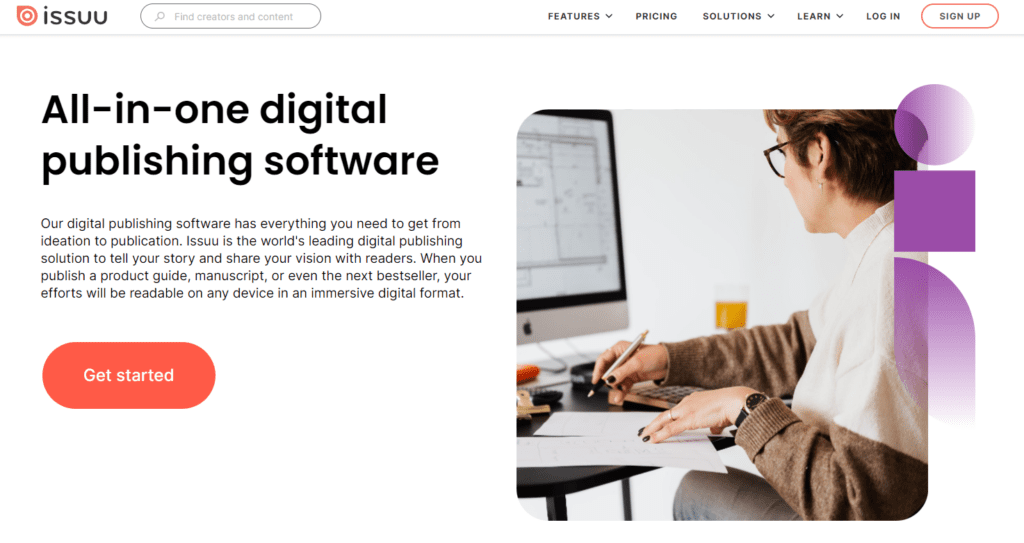
Issuu is a simple solution for small publishers looking to create digital magazines affordably. You can turn a PDF document into a digital magazine and provide the link to the magazine viewer to your audience. You can offer your content for free, sell a monthly subscription, or sell one-off access to each edition.
4. MagLoft
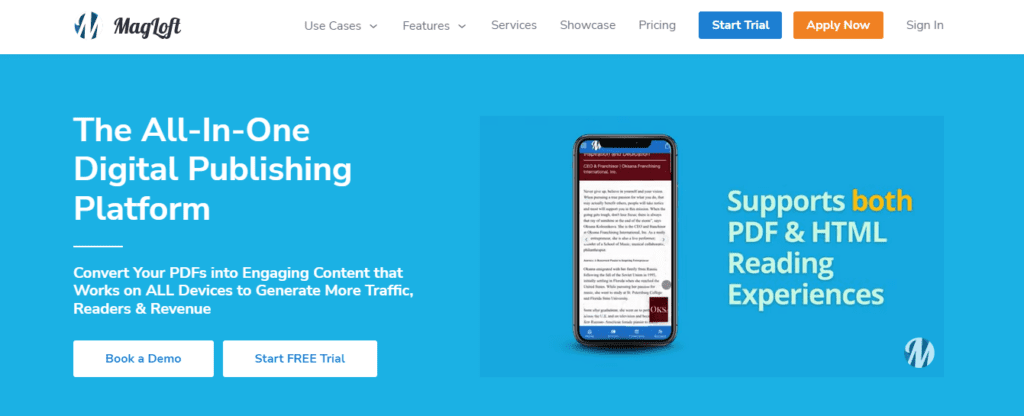
MagLoft is a digital publishing platform that lets you publish blog posts as well as online magazines. The magazine viewer comes with SEO and analytics features so you can optimize your content and report on your traffic and engagement. Additional features include a subscriber contact management system and payment processor.
5. Zinio
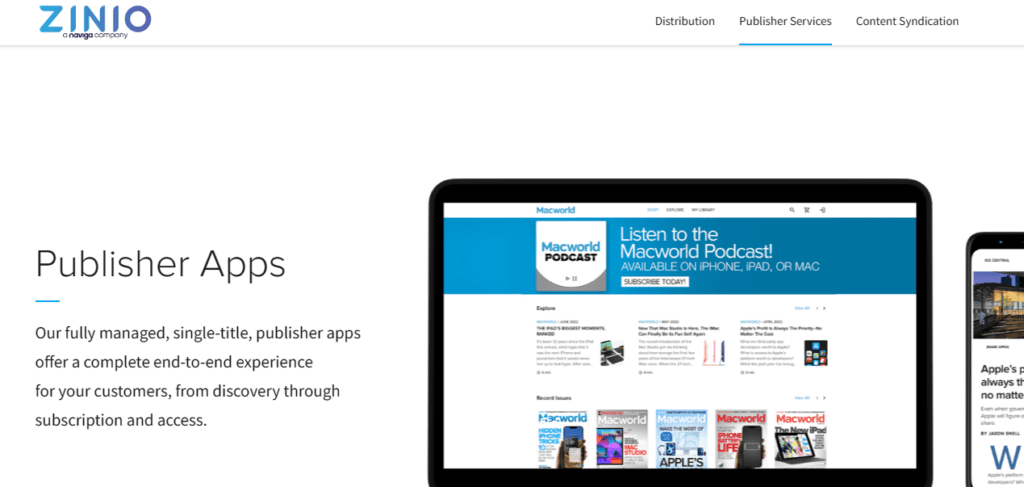
Zinio is another magazine reader platform for publishers. Use it to convert your print magazine into a digital edition and distribute it to your subscribers. While the reading experience is not as smooth as others on this list, Zinio does have a comprehensive list of publisher services, so it’s worth considering.
Top 5 magazine viewers for readers
Looking for a magazine viewer to make it easy to read your favorite magazines on the go? Consider these options.
1. Magzter
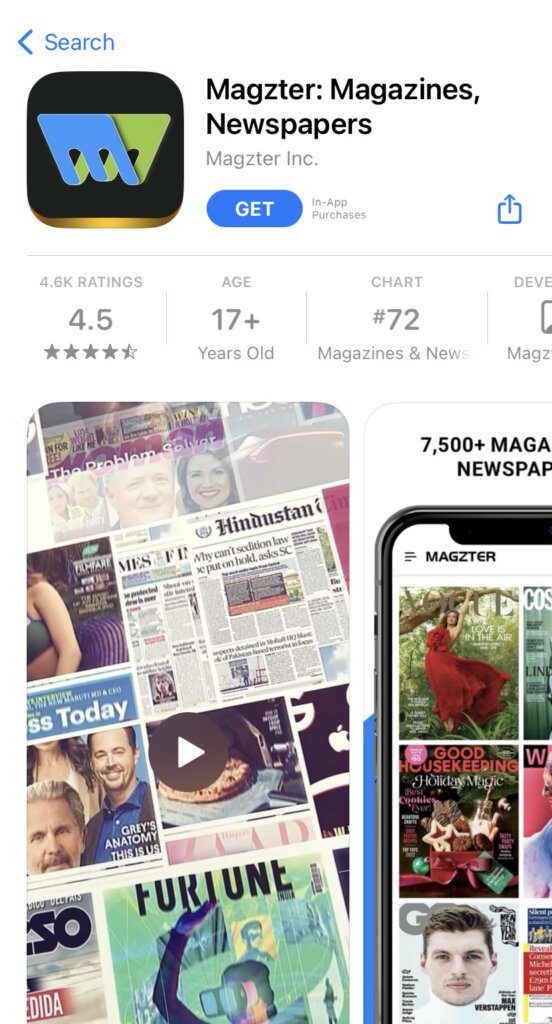
Magzter is a magazine viewer app that offers 10,000+ newspaper and magazine titles in one monthly subscription. Popular titles include Cosmopolitan, Newsweek, ELLE, Harper’s Bazaar, Marie Claire, Maxim, Men’s Health, Entrepreneur, Popular Mechanics, The Guardian, and Daily Mirror.
Pricing:
Magzter GOLD costs $9.99 per month in the App Store, with a 7-day free trial. Annual plans vary by where you buy, and Magzter’s own site often runs discounts. A family-access plan is also available.
Where to get it:
2. Readly
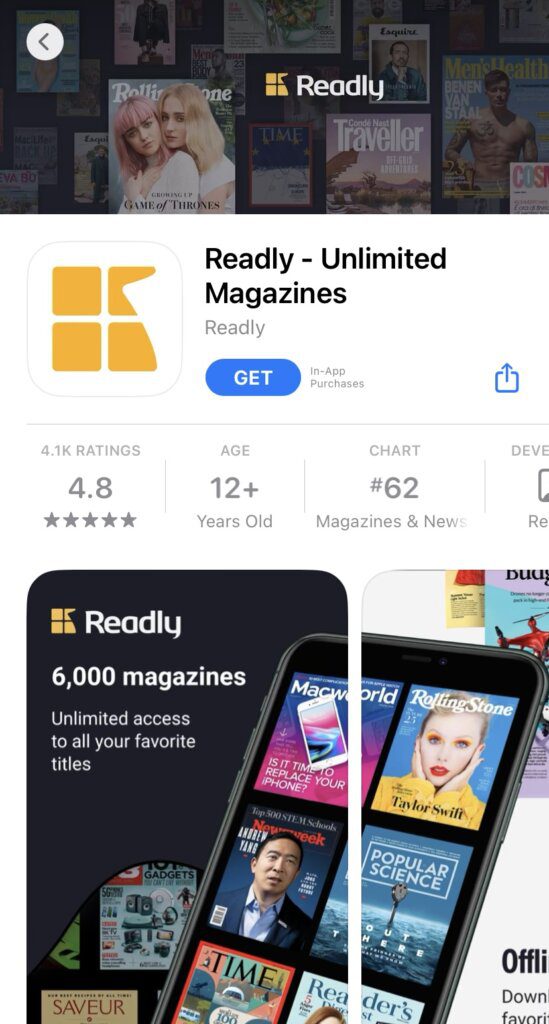
Readly is similar to Magzter. With thousands of titles, there’s a lot of overlap in the newspapers and magazines available. However, Readly offers more special editions on sports and celebrities.
Pricing:
Readly costs $12.99 per month. Duo ($15.99) and Family ($18.99) plans let you share with others, and a yearly plan is $124.99.
Where to get it:
3. Apple News+
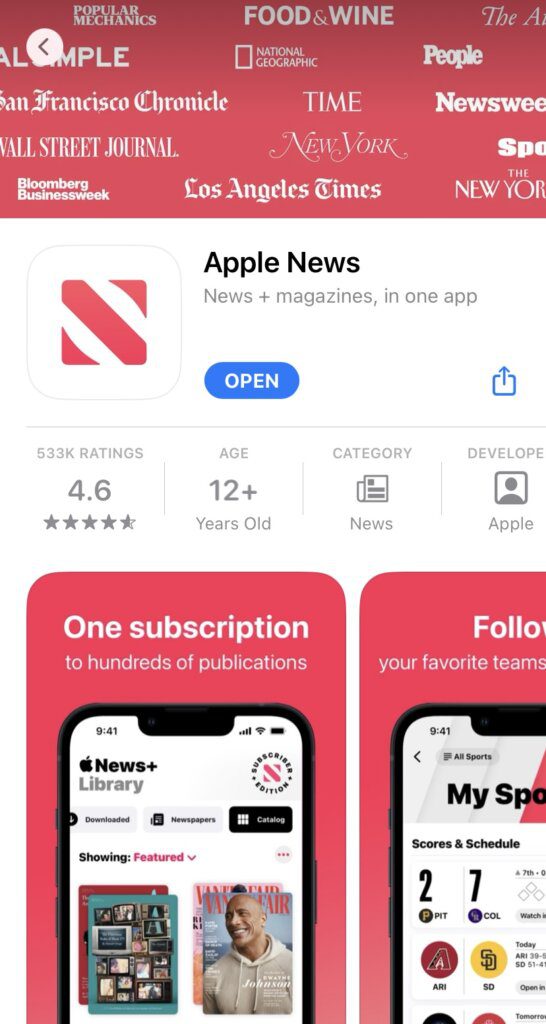
Apple News+ is a popular magazine viewer app for Apple users. It offers the best reading experience for Apple phones and tablets. Plus, you get access to the most popular magazines in the US.
Pricing:
On the free plan, you can access some news articles. To unlock all magazines and newspapers, subscribe to Apple News+ for $12.99 per month after a 1-month free trial. You can share it with up to five family members.
Where to get it:
4. PressReader
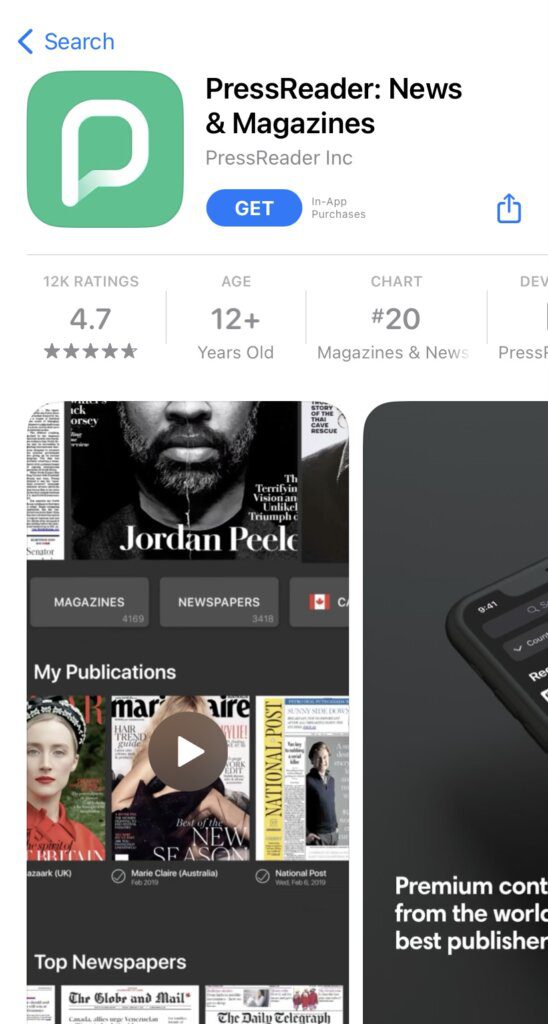
With PressReader, you get 7,000+ newspaper and magazine titles in one app. The magazine viewer also offers instant translation into 16+ languages, so if you’re looking for more content in other languages, this might be the app for you.
Pricing:
Coming in at $29.99 per month, PressReader is the most expensive option on our list. It offers unlimited reading on up to 5 devices so you can share it with your family. A 7-day free trial is available.
Where to get it:
5. Medium
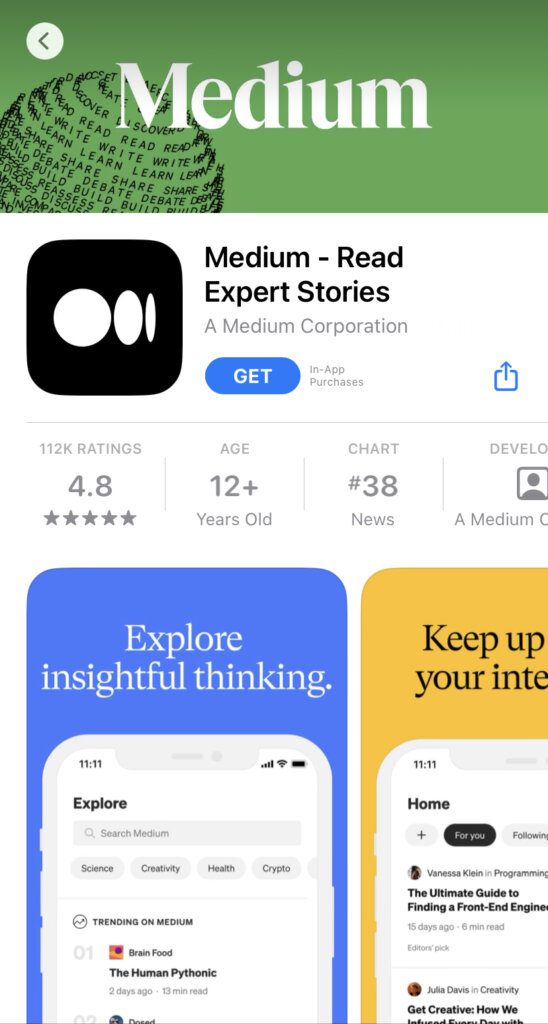
Medium is a platform that anyone can use to easily create their own digital magazine. The platform offers news articles, poetry, and advice from content creators around the world. It’s great for niche hobbies and professional thought leadership.
Pricing:
A Medium membership costs $5 per month or $50 per year, and Friend of Medium is $15 per month. Free accounts can read all free stories and a limited number of member-only stories.
Where to get it:
An additional tip for finding the right magazine viewer
As a reader, you might not want hundreds of magazines. Maybe you only want to read your favorite magazines digitally. Try opening up your app store and searching for your favorite magazine. If it’s a popular magazine, chances are that they offer their own native mobile app. A subscription to that magazine app might be more affordable than one of the aggregator options above, or it might offer benefits like subscriber-only content and special editions.
Native apps vs. aggregator platforms: which should publishers choose?
When it comes to distributing digital editions, publishers typically weigh two options: building a native mobile app or joining an aggregator platform.
Native apps offer the most brand control. You can design the reading experience from the ground up, customize the interface, and deliver exclusive content directly to subscribers. The downside? App development and maintenance can be expensive, and not every reader wants to download a new app.
Aggregator platforms, like Apple News+ or Magzter, put your content in front of massive audiences. However, you lose branding control and compete with thousands of other titles in the same feed.
At eMagazines, we help publishers create their own branded magazine apps when that’s the right fit. But we also offer an alternative: a simple, high-impact distribution method with secure email delivery and smart links. These links take readers straight to your digital edition. No apps, no downloads, no passwords. Content is mobile responsive and beautifully formatted. Best of all, links are tied to individual subscribers and can’t be shared. It’s the easiest way to give your readers a premium digital experience without the friction.
Frequently asked questions
Get answers to important questions.
What is the difference between a magazine viewer and a PDF viewer?
A magazine viewer reflows content into a mobile-optimized, interactive format, while a PDF viewer simply displays the print layout on screen, often requiring readers to pinch, zoom, and scroll awkwardly.
Do I need to download an app to read digital magazines?
Not necessarily. With eMagazines, you can read beautiful, mobile-responsive editions directly from your browser via secure smart links. No app, download, or password required.
Can I use a magazine viewer for free?
Some apps like Medium and Apple News offer limited free access, while aggregators like Magzter or Readly require a monthly subscription. Many publishers also offer their own free or gated apps.
Which magazine viewer is best for publishers?
That depends on your goals. If you want full brand control, a native app might be best. For frictionless delivery and beautiful UX, eMagazines offers a reader-first alternative with secure link distribution.
Create your magazine viewer app with eMagazines
eMagazines offers the technology and custom services publishers need to convert their magazine content into a beautiful, easy-to-read digital edition. We also build and maintain native mobile apps, deliver digital editions to your subscribers, and distribute content to Apple News+.
We’re behind the best mobile reading experiences in the world. Our clients include TIME, People, Rolling Stone, and Bloomberg Businessweek, as well as niche and regional publications across North America.