
iOS magazine apps allow you to read magazines on your iPhone or iPad from anywhere in the world. You can have hundreds of magazines at your fingertips instead of lugging them around.
In fact, over 60% of readers now prefer mobile over desktop, according to a 2025 publishing trends report. That makes having a great iOS magazine app more important than ever.
We’ve got a list of the best iOS magazine apps available so you can start reading premium content right away. These magazine apps are optimized for any device so that the reading experience is smooth and easy and you don’t have to pinch and zoom the way you would with a PDF magazine.
We also offer tips and solutions for publishers looking to develop their own mobile app and provide digital editions to their readers.
What’s in this guide:
- Native iOS apps VS. mobile web apps: which is right for your magazine?
- Top 10 iOS magazine apps for readers
- Top 3 solutions for creating an iOS magazine app
Native iOS apps VS. mobile web apps: which is right for your magazine?
When deciding to create an iPhone app, most publishers assume that they need to create a native app and make it available in the Apple app store so that users can download it to their Apple device.
But there is a better way two offer mobile-optimized content to your readers. And that’s with a mobile web app. A mobile web app is essentially a mobile website (sort of like when you buy something from amazon using your phone’s Safari browser).
Compared to native iOS magazine apps, mobile web apps offer a lot of benefits:
- They don’t clutter users devices
- There’s no need to download anything
- You don’t have to worry about logins and passwords (which cause customer service demands)
- Mobile web apps work on any device, not just iOS but Android as well
- New content can be delivered two subscribers from an email notification or your website
And like a native app, content can be shared securely with subscribers only, so you don’t have to worry about premium content getting consumed by people who aren’t paying for it.
Because of all of these benefits, most publishers should opt for mobile web apps. Unless you’re already earning recurring revenue from your magazine app, there’s no need to develop native apps just to deliver digital editions.
Top 10 iOS magazine apps for readers
Looking for great content for your iOS device? We’ve got you covered with 10 amazing apps no matter your interests.
1. Sports Illustrated

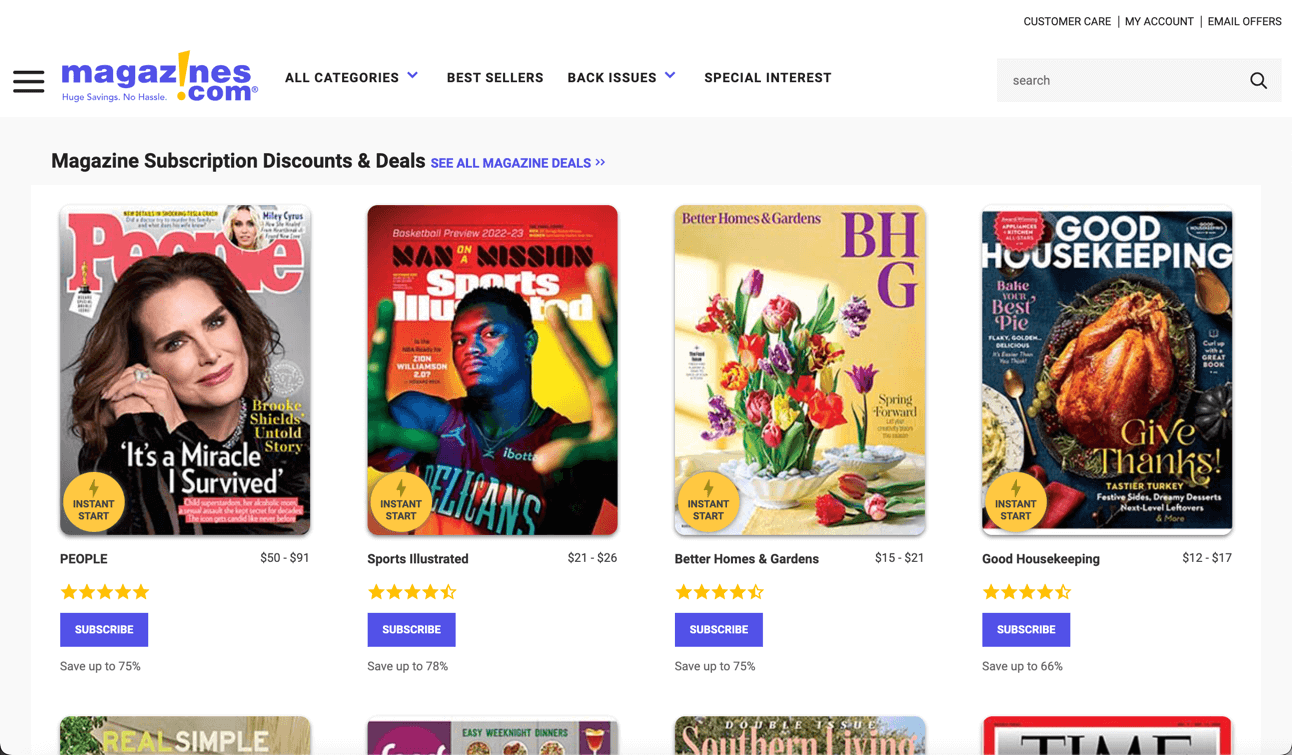
Sports Illustrated brings you in-depth sports news, expert analysis, and sharp investigative journalism across football, basketball, baseball, the Olympics, and more. With stunning photography and longform storytelling, it’s a must-have for sports fans. This iOS app is created and maintained by eMagazines.
Download the iOS magazine app from the Apple app store.
2. Golf

Golf Magazine delivers premium golf journalism, course reviews, gear recommendations, and expert instruction to help improve your game. The app also features beautifully designed pages and seamless reading on mobile. This is another app proudly built and supported by eMagazines.
Download the iOS magazine app from the Apple app store.
3. Outside

Outside Magazine is the go-to source for outdoor adventure and healthy living. Get expert training tips, gear reviews, and profiles of inspiring athletes and adventurers. Their digital edition is powered by eMagazines’ web app solution, so readers can access content on any device, with no downloads required.
Subscribe to Outside’s digital magazine here.
4. Inc.

Inc. magazine is a favorite for entrepreneurs and small business owners. The app delivers startup news, founder interviews, leadership tips, and growth strategies. It’s free to download, and you can purchase a subscription or individual back issues. eMagazines handles app development and maintenance.
Download the iOS magazine app from the Apple app store.
5. Fast Company
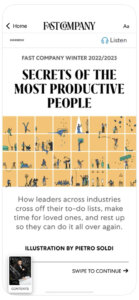
Fast Company explores the intersection of business, design, and innovation. With forward-thinking articles on sustainability, creativity, and emerging technology, the app is perfect for entrepreneurs and creatives alike. Download for free and choose your subscription inside. Built by eMagazines for seamless performance.
Download the iOS magazine app from the Apple app store.
6. Garden & Gun

Garden & Gun celebrates the best of Southern culture, from food and music to art and outdoor travel. With stunning visuals and immersive features, it’s a top pick for lifestyle lovers. The app is created and maintained by eMagazines to ensure a polished reader experience.
Download the iOS magazine app from the Apple app store.
7. Fortune

Fortune provides business insights, company rankings, and analysis on innovation, leadership, and investing. The digital edition is delivered via eMagazines’ web app solution, allowing subscribers to read content anywhere, with no app installation needed.
8. People
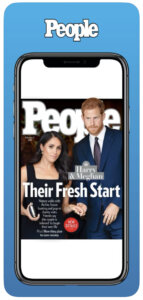
People Magazine is your destination for celebrity news, human interest stories, entertainment, and lifestyle features. The iOS app offers easy in-app purchases, with subscriptions starting at $9.99/month or $5.99 for single issues.
Download the iOS magazine app from the Apple app store.
9. TIME
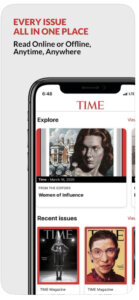
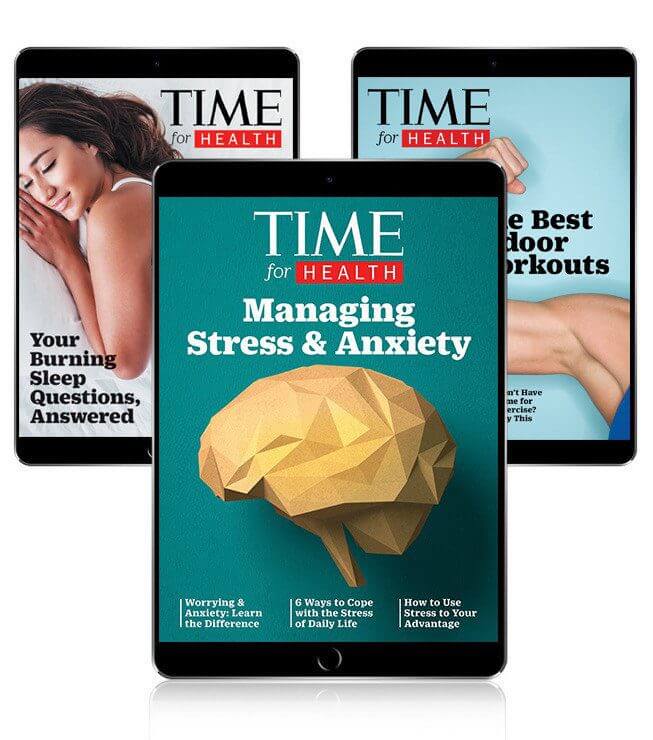
TIME Magazine offers expert journalism on global affairs, politics, culture, and more. Readers enjoy timely coverage, opinion pieces, and in-depth reporting on the world’s most pressing issues. Subscriptions start at just $2.99/month through the iOS app.
Download the iOS magazine app from the Apple app store.
10. Good Housekeeping UK

Good Housekeeping UK covers home organization, recipes, travel tips, product testing, and celebrity interviews. The publication uses eMagazines’ web app solution, giving readers full access across iOS and Android, with no native app required.
Top 3 solutions for creating an iOS magazine app
Looking to create an app to share the digital editions of your magazine with iOS users? Consider these top solutions for publishers.
11. eMagazines
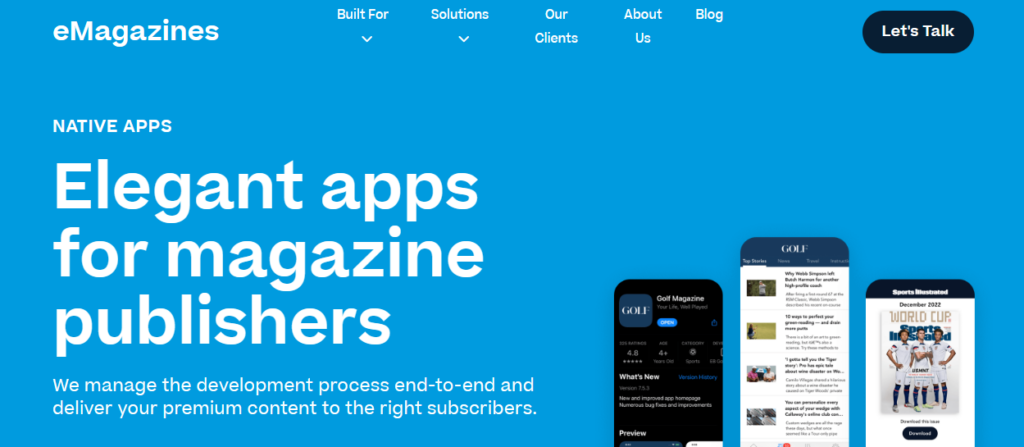
eMagazines offers publishers the software and services to create the most beautiful, readable digital editions ever. Our team is behind many of the digital reading experiences of the best media brands in the world. We can help you create an iOS app, or launch digital editions using mobile web technology so that your users don’t have to download anything and you don’t have to worry about passwords and the customer service requests that come with them.
12. MagLoft
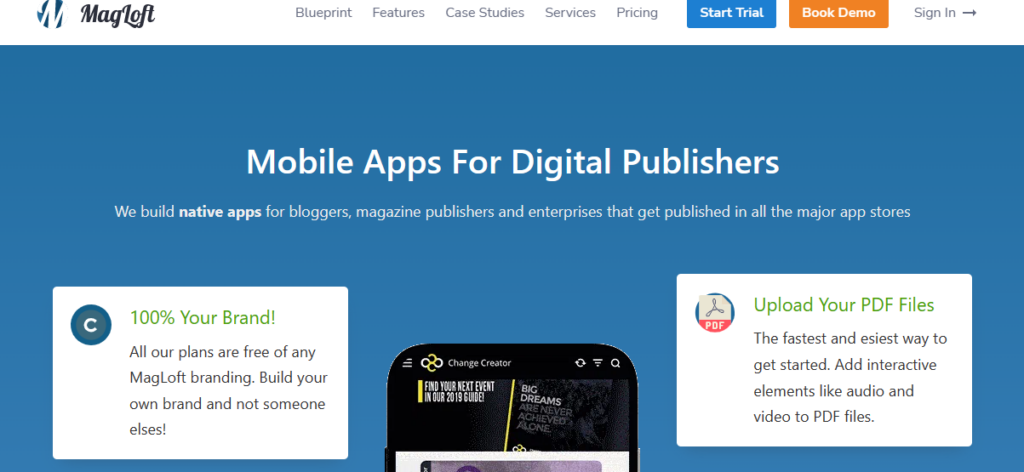
MagLoft is a platform for converting PDF magazines into digital editions. The PDFs can be embedded anywhere, but readers will have to pinch and zoom around the page as this platform doesn’t offer the mobile optimized reflowing eMagazines provides (which puts all content in a clean, single-column format).
MagLoft does offer custom native app development and maintenance services that might be a fit for your needs.
13. Zinio
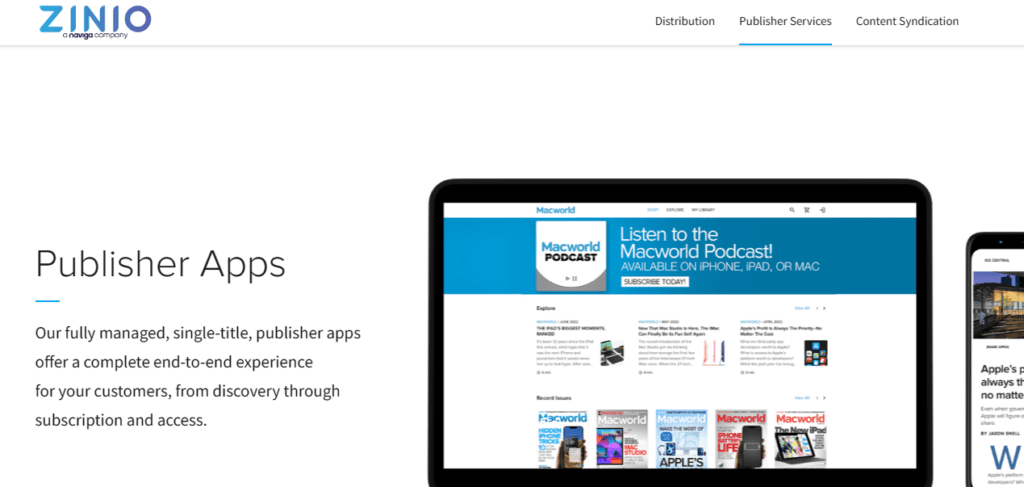
With Zinio, you can turn your print magazine into a digital version that works across iOS devices through their established digital newsstand ecosystem. They provide app development, ongoing maintenance, and subscriber delivery, allowing publishers to distribute issues to a broad, existing reader base. Zinio can be a good fit for publishers who want marketplace-style distribution rather than owning a direct-to-reader app experience.
Frequently asked questions about iOS magazine apps
How do I read magazines on my iPhone or iPad?
You can download magazine apps from the Apple App Store or access digital editions through web apps. Some magazines require a subscription, while others offer individual issues. Just open the app, log in (if needed), and start reading instantly.
Do I need a subscription to read magazine apps?
Many iOS magazine apps offer both options: subscribe for unlimited access or purchase single issues. Subscriptions often come with perks like archived issues or exclusive content. You can manage or cancel your subscription through your Apple ID settings at any time.
How can publishers get their magazine into the App Store?
Publishers can work with partners like eMagazines, MagLoft, or Zinio to develop a native iOS app. These platforms handle development, design, App Store submission, and ongoing maintenance, making it easier for publishers to focus on content and subscriptions.
Is a native app better than a web app?
Native apps offer strong branding and visibility in the App Store, while web apps are easier to maintain and don’t require downloads. Publishers should consider their audience and goals—native apps are great for engagement, but web apps can simplify access and reduce support tickets.
To create your own iOS magazine app—or a mobile reading experience that can be enjoyed on any device with no need for app downloads—partner with eMagazines.