

73% of Americans over 12 have listened to online audio content in the past month, and 74% of those listeners have incorporated online audio into their daily lives.
Audio articles are one of the top formats for audio content. They make it easy for your audience to consume content while preparing for their day, cooking, driving…you name it.
In this guide, we show you how to create audio articles. Plus, we offer a list of the top platforms you can use for AI text-to-speech to create high-quality audio articles in minutes.
Audio article examples
Before we dive into the methods and tool options, let’s explore some examples. Below, you can see how article audio is effortlessly embedded into the reading experience with eMagazines.
Travel + Leisure
First, let’s take a look at Travel + Leisure. In this example, we can see at the top of the Roman-inspired vacation write-up, there’s an icon that encourages the reader to click if they’d rather listen to the article. Readers can scroll through the images while listening to the content, or go completely hands-free.

Better Homes & Gardens
Here’s another example utilizing eMagazines’ mobile-optimized reader, which includes automated audio articles. In this Time Traveler article, we can see that the reader has already clicked on the audio button, and the display shows the amount of time remaining in that article file.

The benefits of audio articles
Audio content has quickly become one of the most popular ways for people to consume digital media. Americans now spend nearly 4 hours per day listening to audio content across podcasts, streaming, radio, and other digital platforms. As audiences increasingly multitask throughout the day, publishers have an opportunity to meet readers where they already are, with flexible, on-demand listening experiences.
Here are the top reasons to invest in audio content for your digital magazine or online news site:
- More accessible – Audio articles help make your content more accessible to readers with visual impairments, reading difficulties, or other accessibility needs. They also help publishers align with accessibility recommendations and improve the overall inclusiveness of their digital experiences.
- Reach readers on the go – Many readers don’t have time to sit down and read long-form content during the day, but they can listen while driving, exercising, cooking, traveling, or multitasking. Audio articles help extend the reach and consumption of your content beyond traditional screen time.
- Increase engagement and time spent with your content – Audio creates another touchpoint for readers to engage with your brand. In fact, Nielsen reports that podcasts alone account for 20% of all ad-supported audio listening time in the U.S., showing just how mainstream spoken-word audio has become. Publishers that add audio can often increase session duration and encourage readers to spend more time consuming their content.
- Improve website UX and SEO performance – Audio articles make your website experience more media-rich and interactive, which can positively impact user engagement metrics like dwell time and return visits. These signals can support stronger search engine performance over time while also helping your content stand out in an increasingly competitive digital landscape.
How to create audio articles
Below, we’ll look into three different ways that you can generate audio content for your articles:
- Voice recordings
- AI voice generation
- AI voice generation within your digital publishing platform
Method #1. Voice recordings
Time to create: Slow
The first way is to use human voice actors to read the article content aloud in a recording studio (or at home in a quiet space) and add the audio file to your content.
- Pros: With this method, you get a real human voice with all of the emotions and imperfections. This can be the right fit for premium articles or opinion pieces where you want the author to lend their voice.
- Cons: This is an incredibly time-consuming and expensive way to. With some publishers creating dozens of articles daily, it’s just not feasible.
Method #2. AI voice generation
Time to create: Fast
The next option is to use software that offers AI voice generation and text-to-speech. You should be able to select an AI voice, upload your text document, and generate an audio file. You can then embed that audio file at the top of the online article so website visitors can easily access the audio option.
- Pros: With this method, you get great audio content in minutes. You can use a variety of AI voices to keep things interesting or choose one for brand consistency.
- Cons: AI audio has advanced greatly in the past few years, so you don’t have to worry about the content sounding robotic. In terms of audio quality, there aren’t really any cons. The cons with this method are more to do with production. You’ll need to upload each article individually manually, generate the audio file, download it, then upload it to your CMS. This can be time-consuming. The third method (described below) offers a fix for this issue.
Method #3. AI voice generation within your digital publishing platform
Time to create: Fastest
You can use magazine software that enables your digital content and helps you generate article audio within a single platform. Fpr example, with eMagazines, you can create the mobile edition of your magazine and automatically add audio files to every article in a single click. And with BeyondWords, you can use their audio CMS or WordPress plugin to streamline your workflow.
- Pros: You not only save time on audio generation but on content production as well. There’s no need to upload or download files, as the text-to-speech capabilities are embedded in the publishing solution.
- Cons: Depending on the digital magazine software or CMS you use, this option may not be available. (But you might consider switching platforms to gain this capability.)
7 best solutions for generating article audio
Ready to start publishing audio versions of your articles? Check out these different solutions.
1. eMagazines
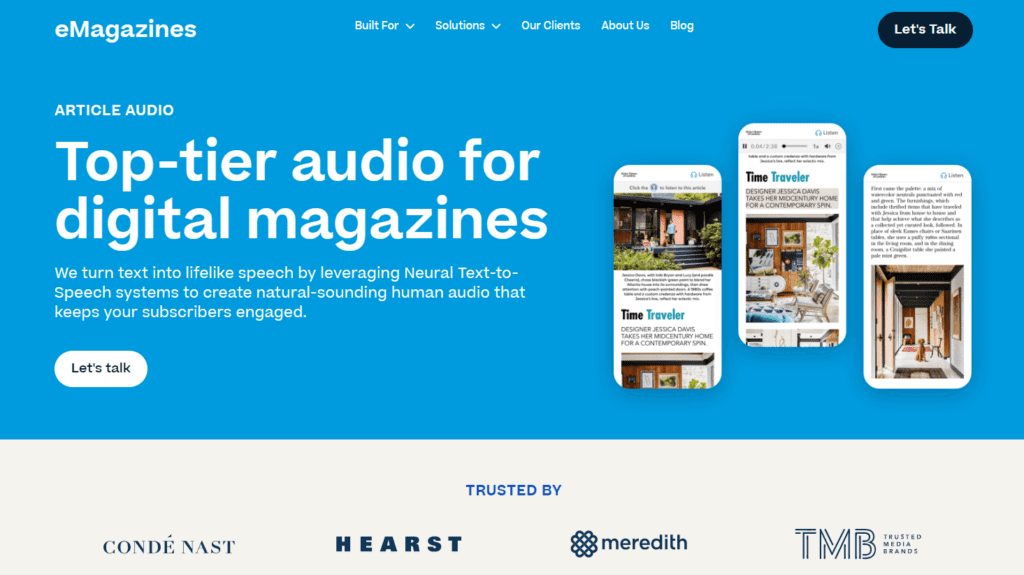
eMagazines helps publishers create premium digital editions that are fully mobile-optimized and enhanced with built-in article audio. Instead of forcing readers to pinch and zoom through PDFs, the platform converts magazine content into clean, single-column articles that are easy to read and listen to on any device. Publishers can automatically generate lifelike AI audio for every article using a variety of natural-sounding voices and accents, helping improve accessibility and reader engagement. The platform also includes features like auto-scrolling synced with audio playback, analytics reporting, subscriber back issue access, and managed production support. For publishers looking to streamline both digital edition production and audio generation in one workflow, eMagazines offers an all-in-one solution.
Pros:
- Automatically generates article audio for every story
- Mobile-optimized reading experience with single-column layouts
- Natural AI voices with multiple voice and accent options
- Includes audio analytics and engagement reporting
- Managed services available for production and delivery
- No need for readers to download apps or pinch and zoom PDFs
Cons:
- Best suited for publishers and recurring digital editions rather than one-off projects
- Requires working within a dedicated publishing platform rather than a standalone audio tool
2. BeyondWords
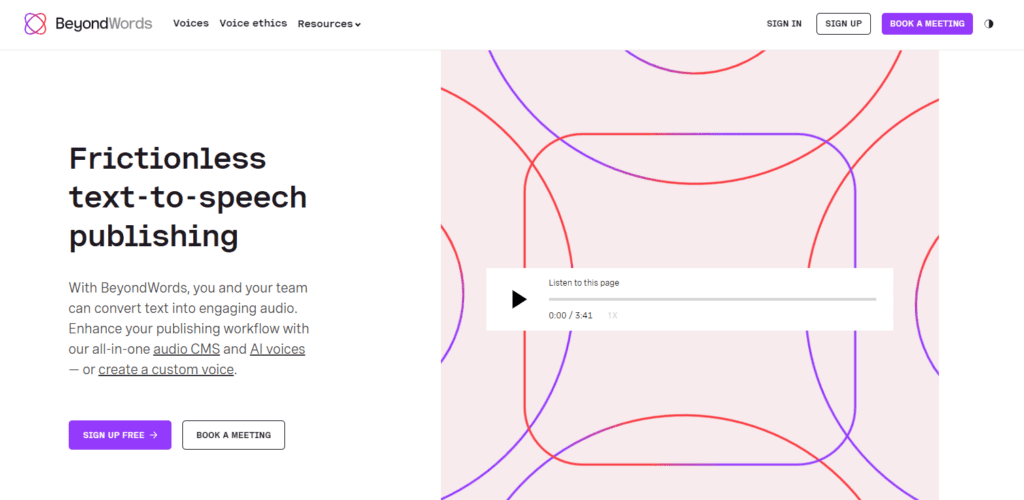
BeyondWords is an AI audio publishing platform designed specifically for publishers, news organizations, and content-heavy websites. The platform allows teams to automatically convert written articles into high-quality audio using realistic AI narration, voice cloning, and customizable audio players. BeyondWords positions itself as an “audio CMS,” meaning publishers can manage article audio alongside metadata, authors, categories, and workflows instead of treating audio as a separate production process. The platform also includes detailed analytics, monetization features for audio ads, pronunciation controls, and integrations with CMS platforms through APIs and plugins. For publishers focused heavily on audio engagement and scalable newsroom workflows, BeyondWords offers a robust enterprise-grade solution.
3. Trinity Audio
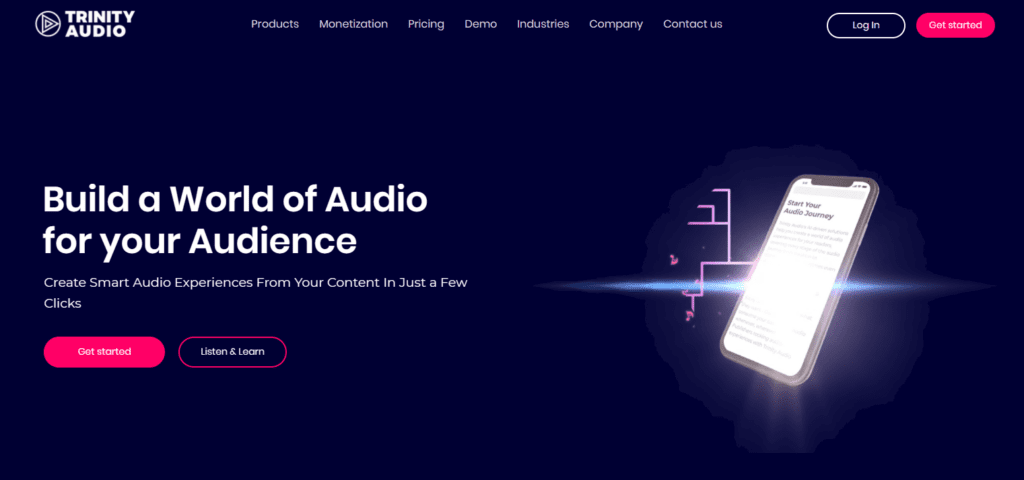
Designed for publishers and media brands, this platform helps transform written articles into engaging audio experiences with AI-generated narration and customizable audio players. In addition to standard text-to-speech features, it focuses heavily on audience engagement, audio monetization, and interactive listening experiences. The platform also offers real-time translation, AI summaries, voice customization, and built-in advertising tools for publishers looking to generate revenue from audio content. Trinity Audio is used by major media brands including Fortune, Rolling Stone, Variety, and Billboard.
Pros:
- One-click article-to-audio conversion
- Built-in audio monetization and ad support
- AI summaries and translation features
- Supports voice customization and branded experiences
- Strong focus on publisher workflows and scalability
Cons:
- Advanced features and monetization tools may be unnecessary for smaller publishers
- Some branding and white-label capabilities are limited to higher-tier plans
- More focused on article audio than full digital magazine production workflows
4. Speechify
5. Murf.ai
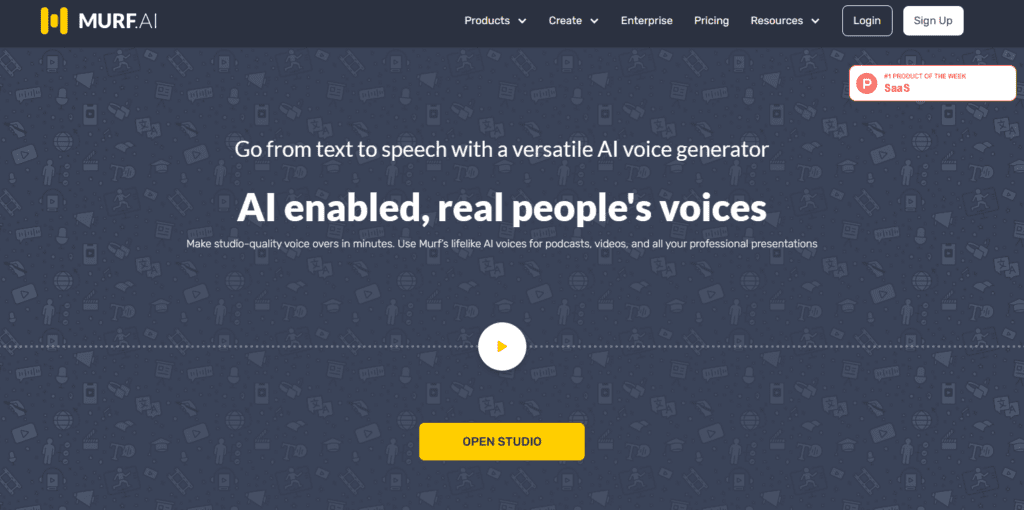
Built for creators, marketers, educators, and media teams, this AI voice platform focuses heavily on voice customization and voice cloning for branded audio experiences. Users can generate realistic voiceovers, translate audio into multiple languages, and fine-tune pacing, tone, pronunciation, and emphasis. The platform also includes integrations with tools like Canva, PowerPoint, and Google Slides, making it useful for multimedia content production beyond just articles. For publishers, it can be especially valuable when creating audio content tied to recognizable personalities or brand voices.
Pros:
- Strong voice cloning and customization capabilities
- Supports 35+ languages and 200+ AI voices
- Includes dubbing, translation, and voiceover tools
- Integrates with Canva, PowerPoint, and other platforms
- Good option for branded or personality-driven content
Cons:
- More focused on voice production than publishing workflows
- Some advanced features are only available on higher-tier plans
- Requires more manual setup compared to fully automated article-audio platforms
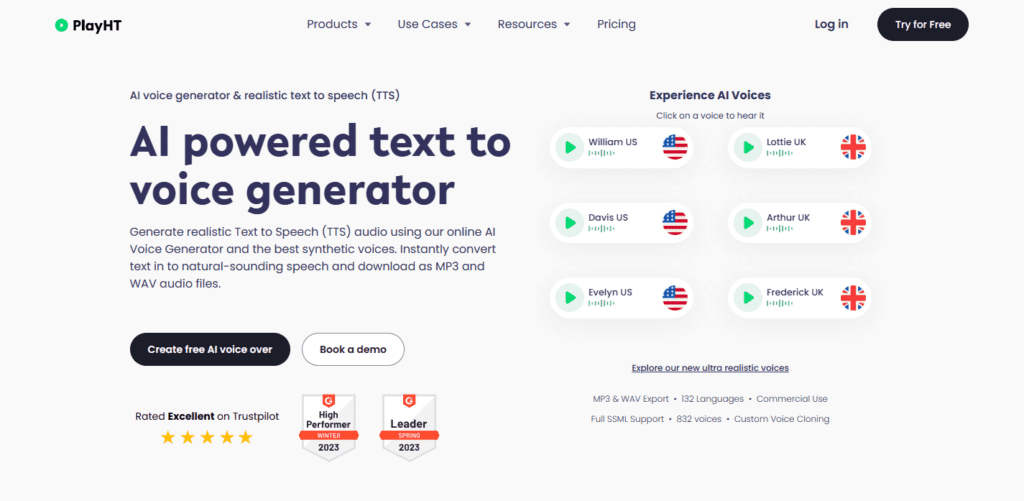
6. PlayHT
7. WellSaid
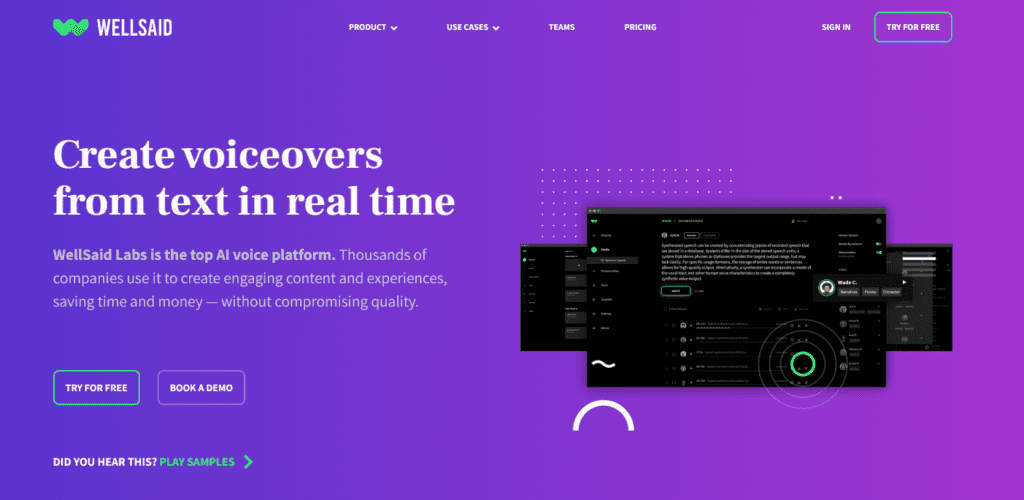
Built for businesses, training teams, and content creators, this AI voice platform focuses on producing polished, professional-quality voiceovers quickly and at scale. The platform uses licensed voice actors to create realistic AI narration for articles, e-learning, product demos, videos, and digital experiences. Teams can collaborate within shared workspaces, manage pronunciation libraries, and integrate directly with tools like Adobe Express and Premiere Pro. Its emphasis on security, compliance, and commercial usage rights also makes it a strong fit for enterprise organizations.
Pros:
- High-quality AI voices based on real voice actors
- Strong collaboration and team workflow features
- Includes pronunciation libraries and Adobe integrations
- Enterprise-grade security and compliance support
- Good fit for training, product, and corporate content
Cons:
- More business-focused than publishing-focused
- Higher-tier plans can become expensive for large teams
- Less specialized for automated article audio workflows than publisher-centric platforms
eMagazines offers the software and services you need to create the best digital content. Learn more about our article audio generation and premium mobile magazines.