
Looking for the best publishing software to bring your content to life?
Publishing platforms make it easy to create high-quality content and distribute it to your readers, and the market for them is growing fast. The global digital publishing market is projected to expand at a CAGR of 9.1% through 2033, driven by rising demand for mobile-friendly, on-demand content. At the same time, subscription-based models now account for 57% of digital publishing revenue, making it the largest share. It’s more important than ever to choose software that supports a great reader experience from day one.
We’ve helped some of the world’s most recognized publications, including Time, People, Bloomberg, Rolling Stone, Sports Illustrated, Harvard Business Review, and Outside, build digital editions that readers actually enjoy. Whether you want to create a catalog, magazine, or SEO-optimized blog, we’ll show you the best software for the job.
Below, we dive into four categories of publishing software: desktop applications, digital magazine platforms, blog publishing platforms, and online graphic design programs.
How we selected these tools
We didn’t compile an exhaustive list. We focused on the tools that actually perform in real publishing workflows. Here’s what guided our selections:
- Market adoption — tools with proven, widespread use across the industry
- Quality of output — software that produces professional, reader-ready results
- Ease of use — accessible to publishers without deep technical expertise
- Fit for media brands — relevant to magazine publishers, content teams, and independent creators
- Active development — platforms that are maintained, updated, and not at risk of sunsetting
- Value for money — strong capability relative to cost, whether free or paid
- Category coverage — the best available option across each distinct publishing need
Now, let’s dive into the top tools.
Best desktop publishing software
Desktop publishing software refers to desktop applications that allow you to design catalogs, brochures, magazines, and other pieces of multi-page content. You can use a desktop publishing platform to create a PDF output, and then share that digitally or print and distribute it.
1. Adobe InDesign
Adobe InDesign is the most popular desktop publishing software. It can be used to create books, magazines, marketing materials, presentations, newspapers, and tons of other marketing and educational materials. Key features include layout tools, master pages, typography, color management, and lots of export options.
2. Affinity Publisher
Affinity Publisher is a professional page layout application for creating books, magazines, brochures, posters, and marketing materials. It offers advanced typography, master pages, linked text frames, and precise layout tools that rival Adobe InDesign. A standout feature is StudioLink, which lets you access Affinity Photo and Designer editing environments directly within Publisher without importing or exporting files. Following Canva’s acquisition of Serif, Affinity Publisher became free to download and use in 2025, making it one of the most capable and cost-effective desktop publishing options available.
3. Scribus
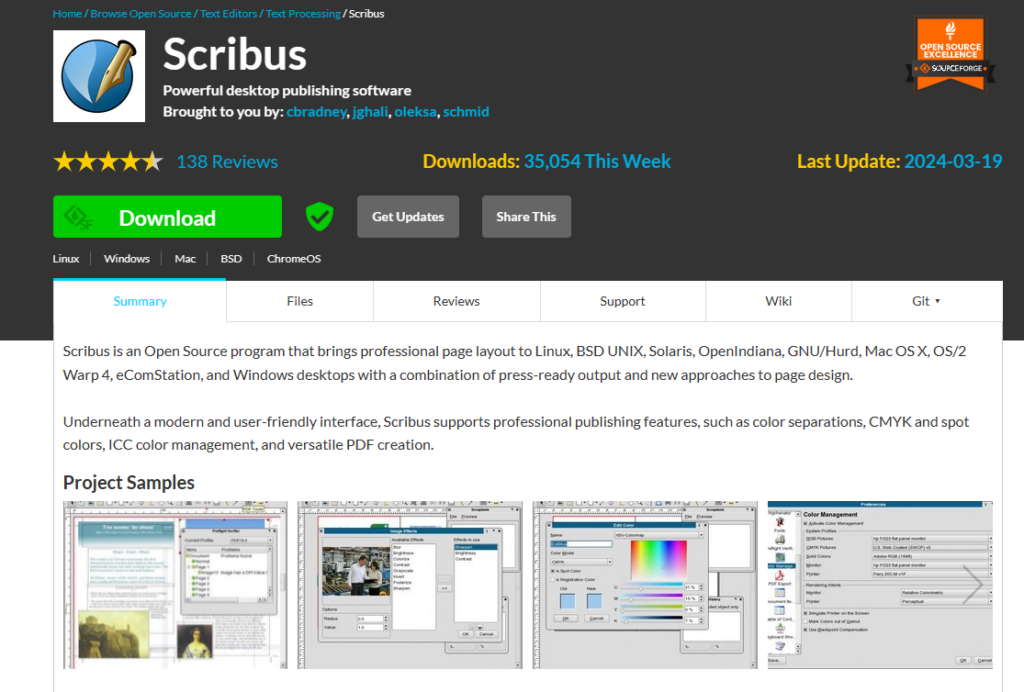
Scribus is a free, open-source desktop publishing application for creating professional documents such as magazines, books, newsletters, and brochures. It supports a wide range of operating systems including Windows, Mac, and Linux. While it lacks some of the polish of commercial alternatives, it remains a solid choice for publishers who need a no-cost option and don’t mind a steeper learning curve.
Best digital magazine publishing software
In our next category, we have publishing software for releasing digital magazines. These magazine software platforms allow you to create mobile-optimized digital content that is a breeze to read on any device. (Rather than design a PDF that readers have to pinch and zoom through.)
4. eMagazines
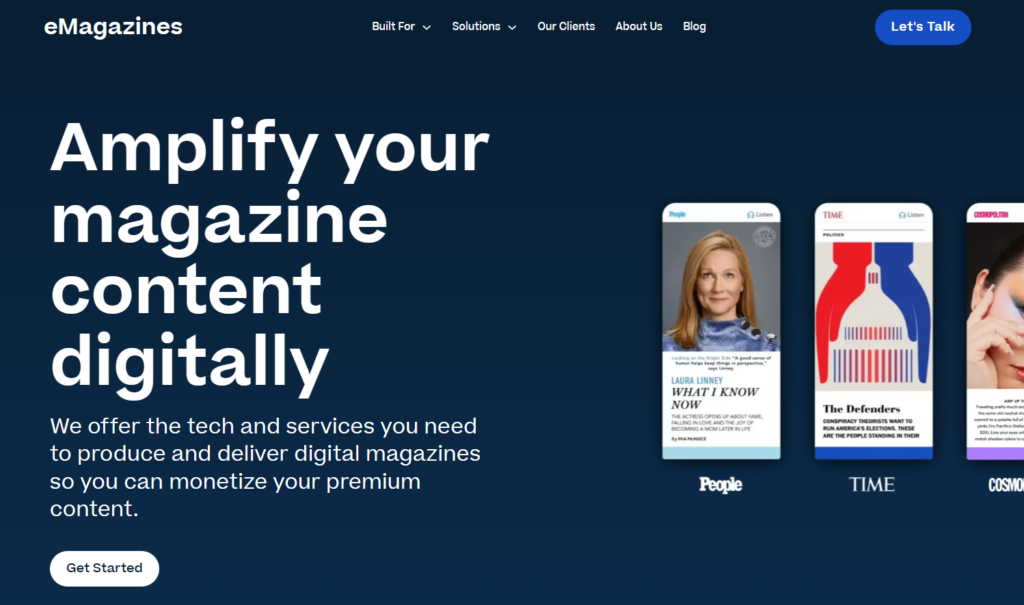
eMagazines is the platform behind the digital editions of the most notable magazines in the world, including People, TIME, Cosmopolitan, Sports Illustrated, Rolling Stone, and others. With eMagazines, you can convert the print edition of your magazine into a beautifully formatted digital edition. The platform offers easy-to-read, single-column content with on-brand fonts and colors. eMagazines also gives you the tools you need for digital distribution without the need for user apps or account passwords.
5. MagLoft
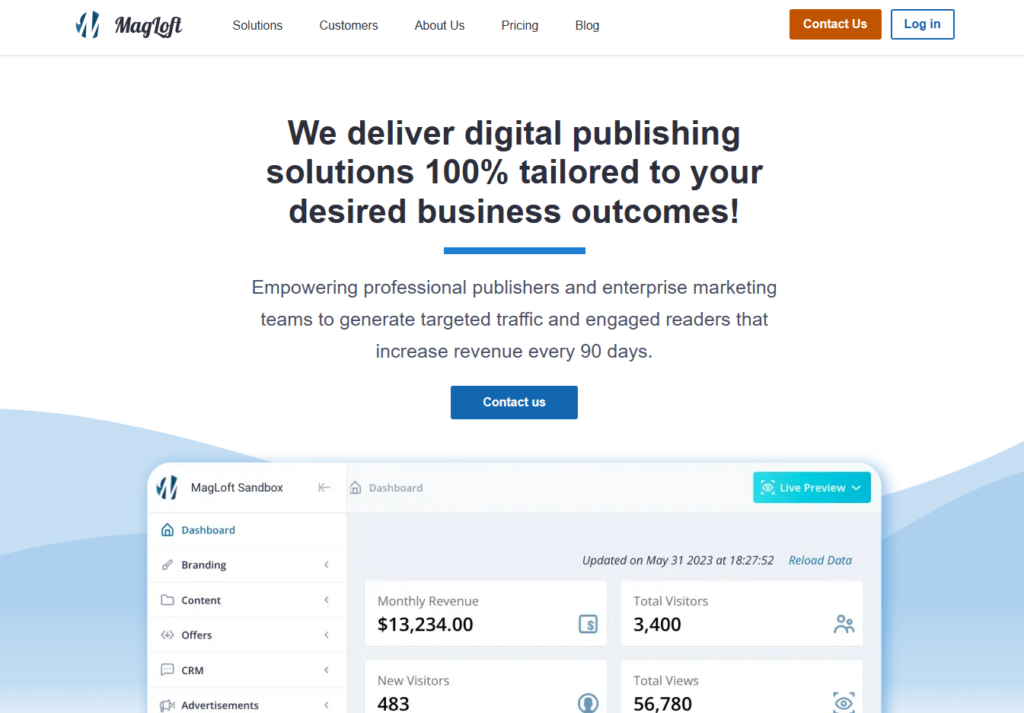
With MagLoft, you get a digital publishing platform for converting PDF magazines into mobile-friendly digital editions. Your content can be read across all devices. Their team can assist with content creation, layout design, graphics, and PDF-to-HTML conversion, making it a good fit for publishers who want hands-on support alongside the software.
6. Foleon
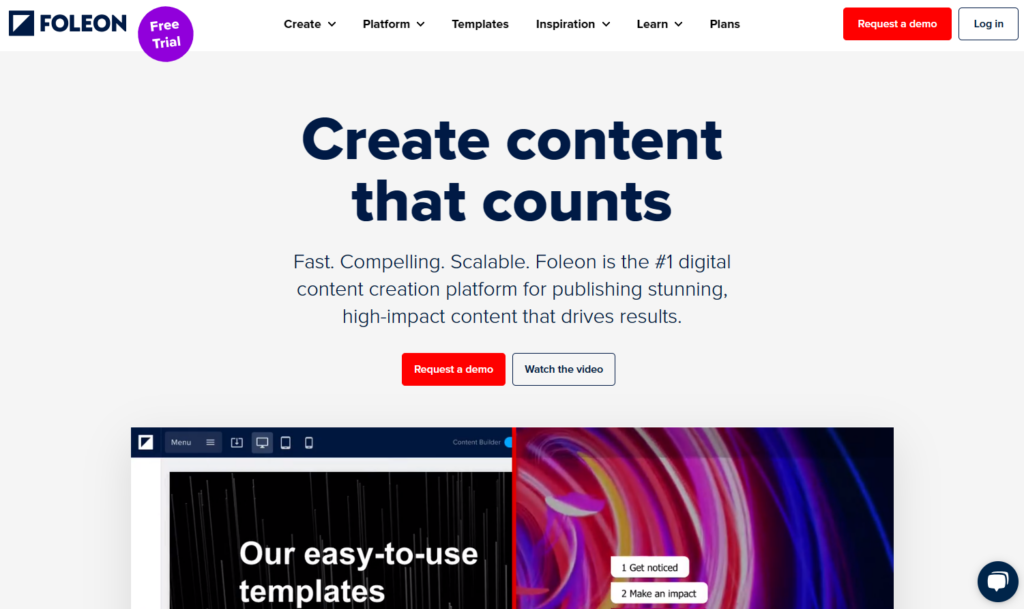
Foleon is a digital content platform built primarily for marketing and communications teams rather than traditional magazine publishers. You can create newsletters, brochures, ebooks, and magazines, then integrate them into broader content marketing workflows with behavior-based triggers, lead capture, and analytics. It’s best suited for enterprises using content as a demand generation tool.
Best blog publishing software
Blog publishing platforms allow you to publish articles on your website. These platforms include search engine optimization (SEO) features so you can increase your chances of having your content rank in search engines.
7. WordPress
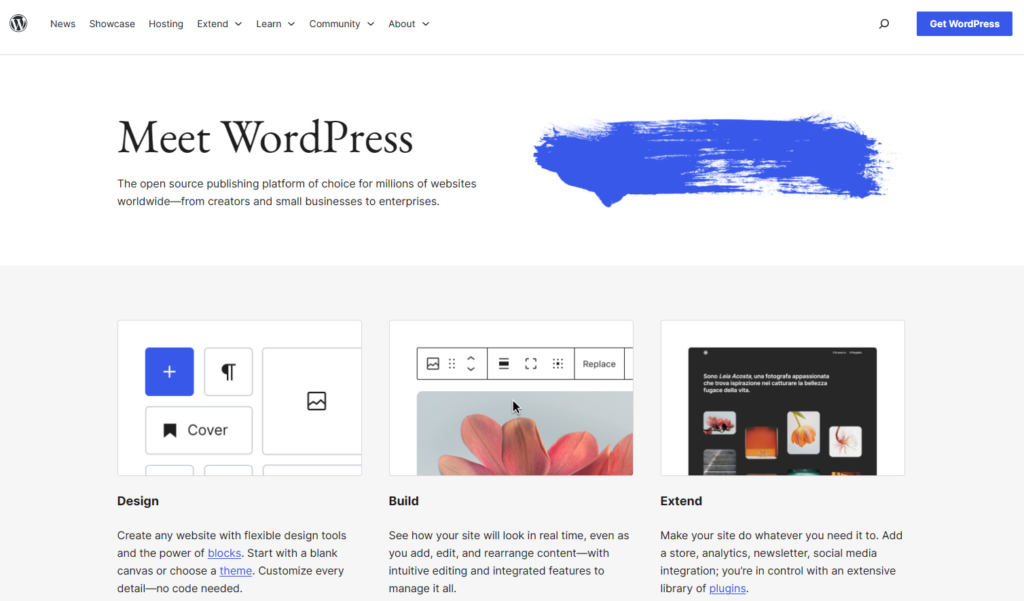
WordPress is a very popular content management system (CMS). According to data from BuiltWith, over 32 million websites are currently operating on WordPress. The platform offers blog publishing, media libraries, SEO optimization, and user roles and permissions so you can grant users writing-only access, writing and editing permissions, or full publishing permissions.
8. StoryChief
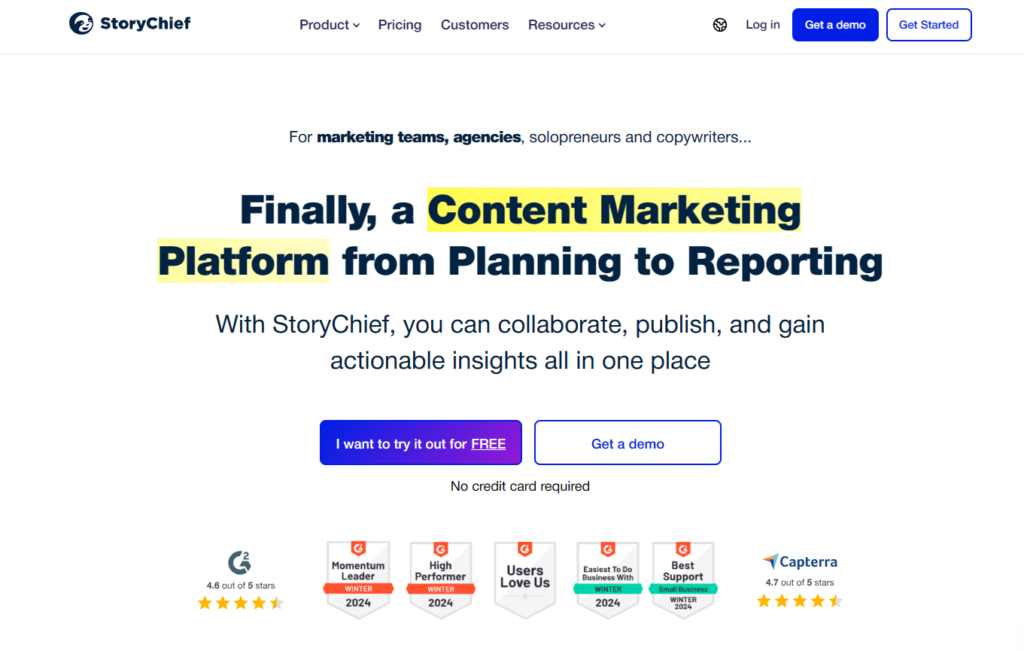
StoryChief is a content marketing platform built for B2B teams and agencies. Use it to plan, write, approve, and publish blog content directly to your website and across multiple channels simultaneously. It offers strong collaboration features including content briefs, editorial calendars, approval workflows, and SEO optimization tools. The platform also handles social media distribution and analytics, making it a solid all-in-one hub for content teams managing high publishing volume.
9. CoSchedule
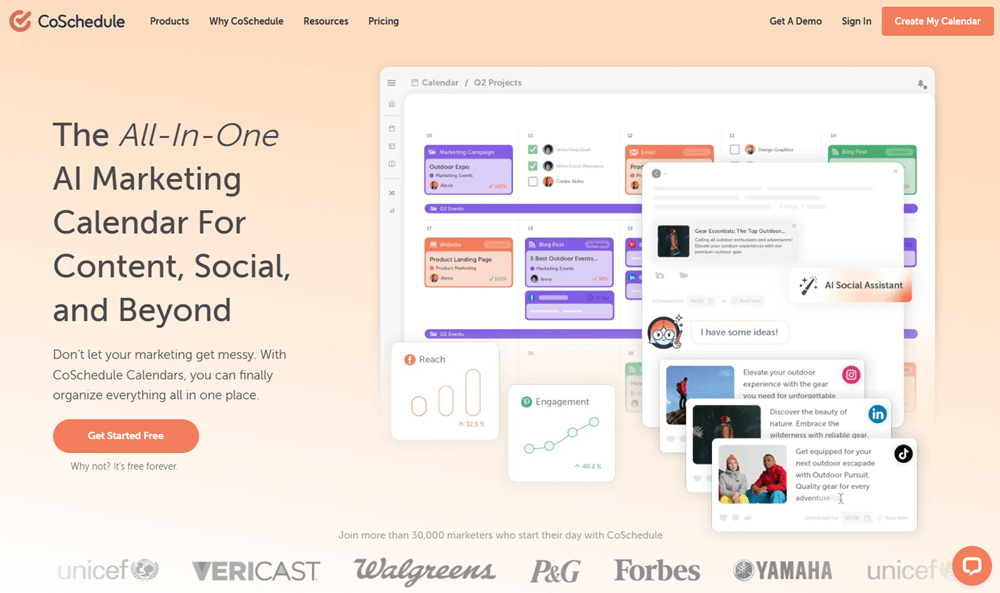
CoSchedule has evolved into a full marketing suite built around a unified marketing calendar. It brings together content planning, blog publishing, social media scheduling, campaign management, project workflows, and approvals in one place. It’s a strong fit for marketing teams and agencies that need to coordinate across multiple channels and stakeholders, and want visibility into everything from a single dashboard.
10. Substack
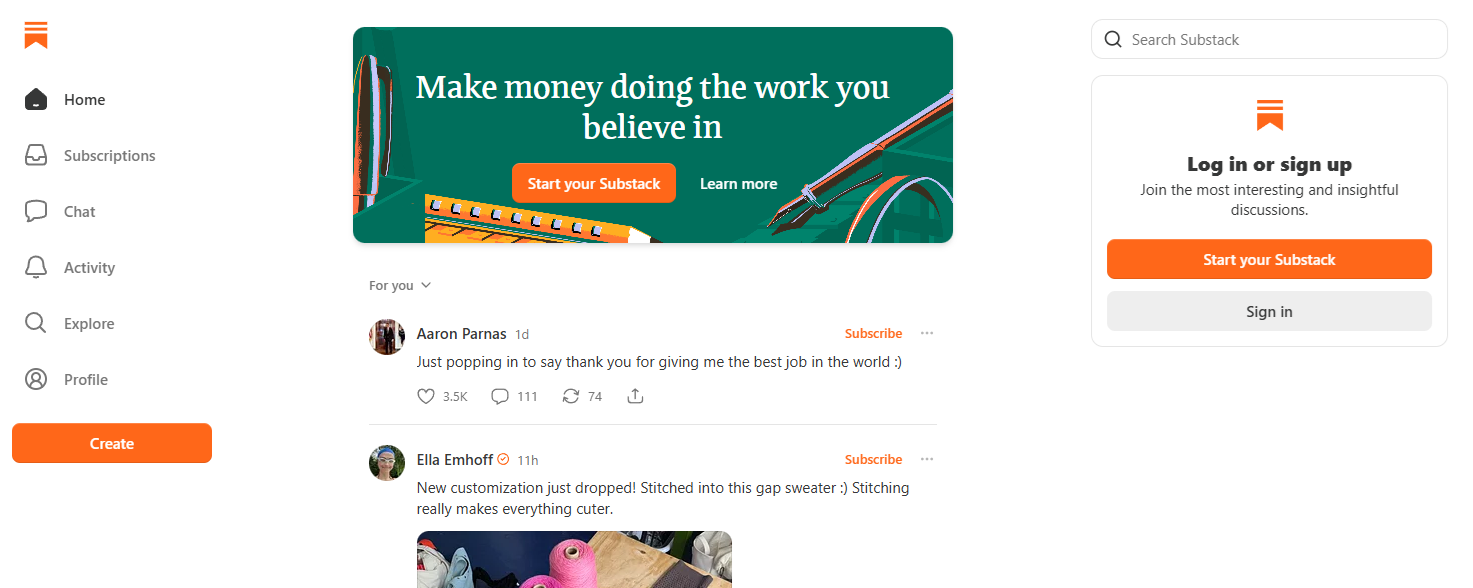
With Substack, you get a publishing platform that lets you write, publish, and monetize content that reaches readers in two ways: as a web-based publication they can browse like a blog, and as an email newsletter delivered directly to their inbox. That dual delivery model makes it particularly powerful for building a loyal, direct audience without relying on social media algorithms or third-party distribution.
Publishers can offer both free and paid subscription tiers, with Substack taking a 10% cut of paid revenue. The platform handles payment processing, subscriber management, and delivery out of the box, making it a low-friction option for independent publishers and niche media brands. A built-in discovery engine through the Substack app and its Notes feed also helps new readers find your content organically. The platform’s growth reflects its momentum: nearly 100,000 publications now earn money on Substack, up from 50,000 just a year prior.
Best graphic design software for publishing print and digital materials
Lastly, let’s take a look at graphic design software that can be used for designing and publishing a variety of materials. These applications offer similar functionality to desktop publishing software, except that they operate fully online as web applications.
These tools are better for simpler projects like presentations, brochures, and catalogs. Print magazines and ebooks are still better designed in one of the desktop publishing platforms listed in our first category.
This category of tools also differs from desktop publishing platforms in that they can be used by anyone—not just trained graphic designers.
10. Canva
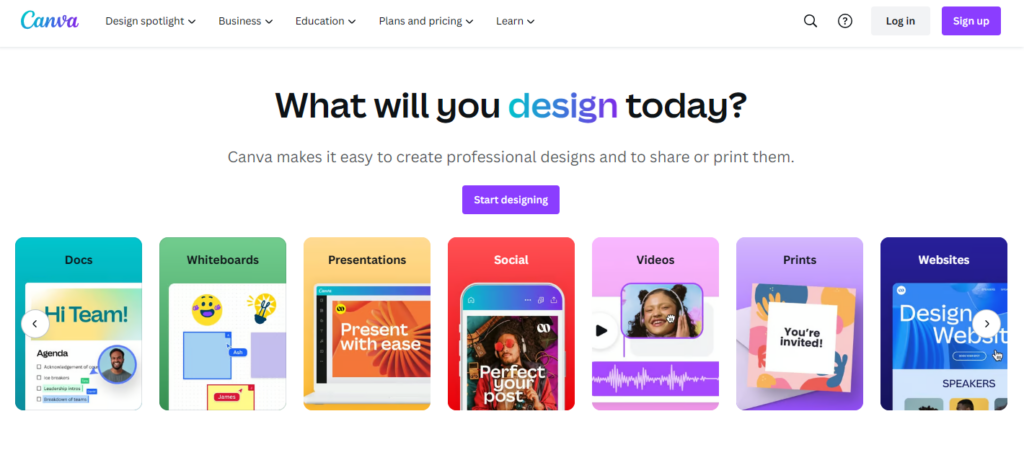
Canva offers thousands upon thousands of templates for all sorts of publications like brochures, catalogs, newsletters, and more. You can also create social media graphics, infographics, posters, flyers, proposals, and presentations. The platform is one of the easiest to use of any graphic design software.
11. Visme
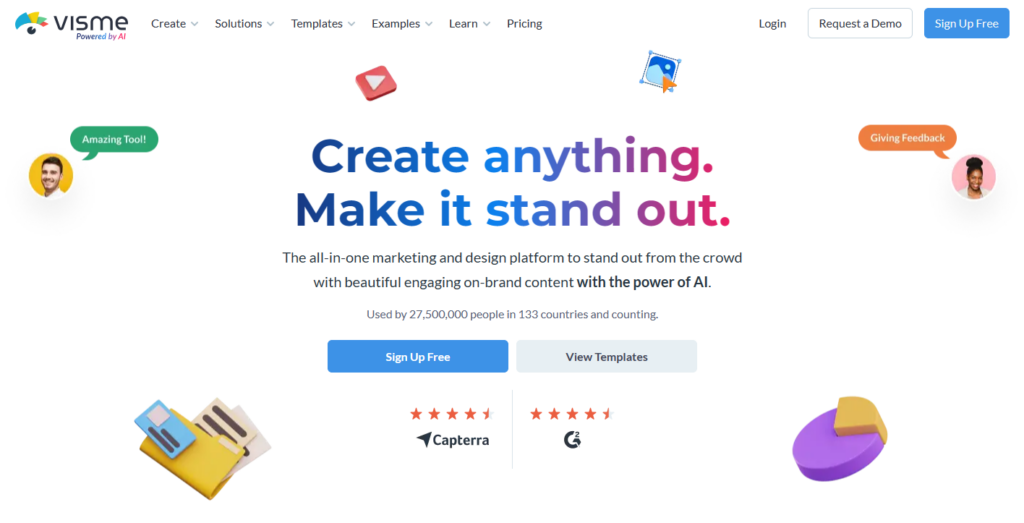
Visme is an AI-powered visual content platform for creating presentations, infographics, reports, data visualizations, ebooks, and branded marketing materials. It’s particularly well-suited for B2B teams that need to communicate data and complex ideas visually. The platform supports real-time collaboration, brand management, and content scheduling, and has expanded its AI capabilities to help users generate designs and draft content faster.
12. Adobe Express
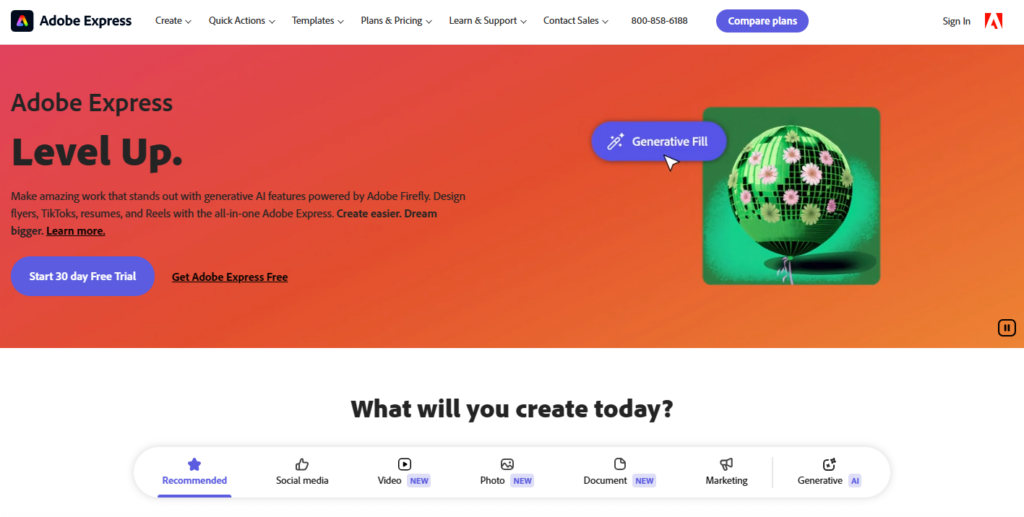
Adobe Express is Adobe’s accessible design platform for users who don’t need the full Creative Cloud. Create social media graphics, posters, flyers, ebooks, brochures, short videos, and more using thousands of templates and a drag-and-drop editor. The platform has expanded significantly in recent years, now including Firefly-powered AI tools for text-to-image generation, generative fill, background removal, and one-click resizing. A free plan is available, with the Premium plan starting at $9.99/month.
Frequently asked questions
Which tool is best for a magazine publisher converting from print to digital?
eMagazines is the strongest choice here. It’s purpose-built for print-to-digital conversion, automatically reflowing your existing PDF into a mobile-optimized, single-column reading experience with your branding intact. MagLoft is a reasonable alternative if you want more hands-on agency support during the transition.
Do I need desktop publishing software if I already use InDesign?
Not necessarily. If your team is proficient in InDesign and your workflow is established, adding another tool creates unnecessary complexity. Affinity Publisher is worth considering only if cost is a concern. It’s now free and covers most of the same ground.
I’m an independent publisher with a small audience. Where should I start?
Substack. It handles publishing, email delivery, subscriber management, and payment processing in one place with no upfront cost. It lets you validate your audience before investing in more infrastructure. If you outgrow it, you can migrate to a more robust platform later.
What’s the difference between using WordPress and StoryChief or CoSchedule for blogging?
WordPress is your publishing foundation. It’s where content lives on your website. StoryChief and CoSchedule sit on top of that workflow, adding collaboration, approvals, and multi-channel distribution. Larger teams with multiple contributors and channels benefit most from adding one of those layers.
Which tools are best suited for enterprise marketing teams versus independent media brands?
Foleon, CoSchedule, and Visme are built with enterprise content and marketing teams in mind. They’re strong on collaboration, integrations, and campaign workflows. eMagazines, Substack, and MagLoft are better fits for media brands focused on reader experience and subscription revenue.
Create the most stunning, readable digital edition with eMagazines.